INSTALLATIONS
MB720 User’s Manual 19
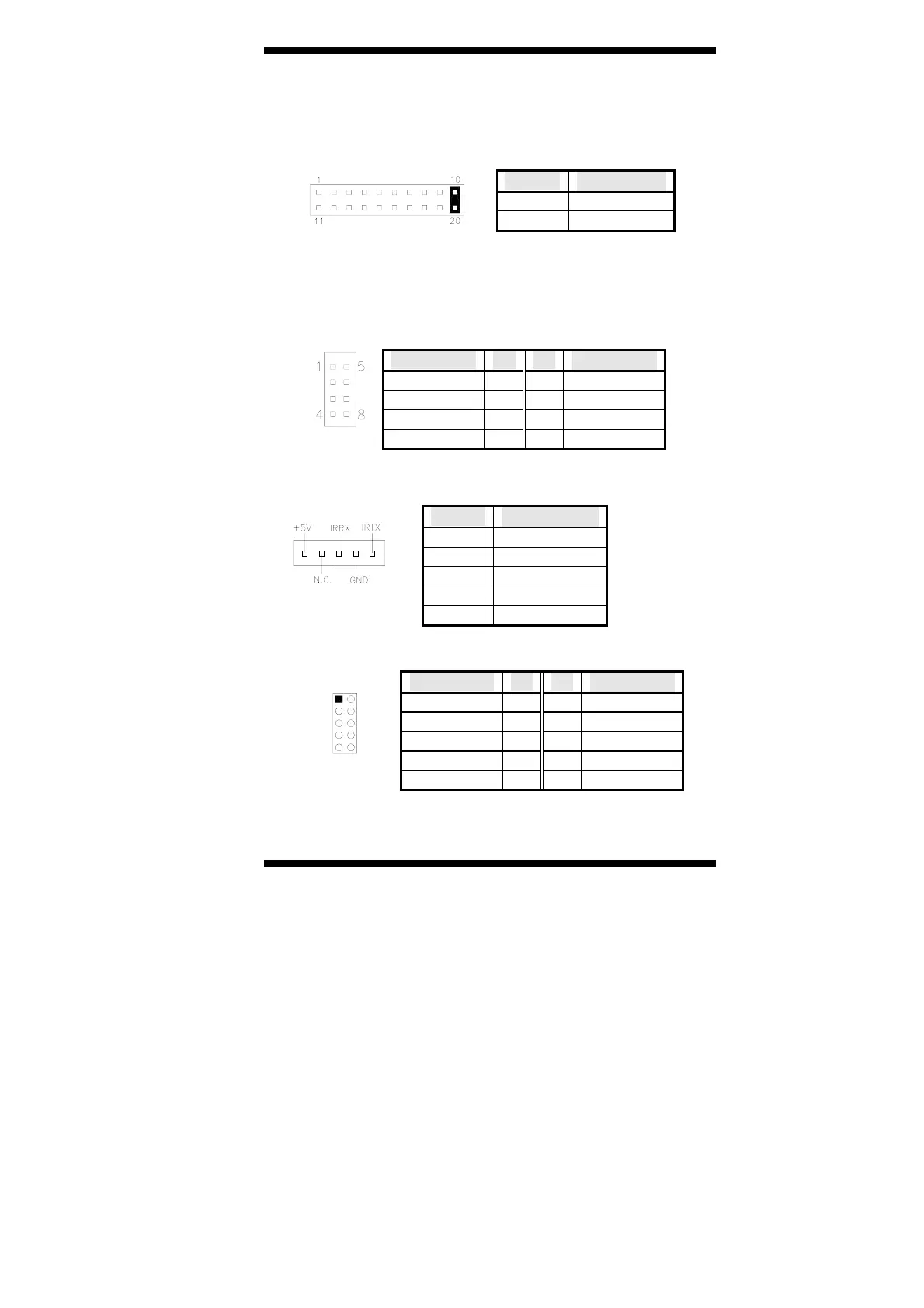
Hard Disk Drive LED Connector: Pins 10 and 20
This connector connects to the hard drive activity LED on
control panel. This LED will flash when the HDD is being
accessed.
Pin # Signal Name
10 HDD Active
20 5V
J2: LVDS Panel Interface (used with ID380 Card, not in A1
version)
J3, J4: USB Connector (USB3/USB4, USB5/USB6)
The MB720 supports USB 2.0 ports.
Signal Name Pin Pin Signal Name
Vcc 1 5 Ground
USB0- 2 6 USB1+
USB0+ 3 7 USB1-
Ground 4 8 Vcc
J7: IrDA Connector
J7 is used for an optional IrDA connector for wireless communication.
Pin # Signal Name
1 +5V
2 No connect
3 Ir RX
4 Ground
5 Ir TX
J8: Digital 4-in 4-out I/O Connector
Signal Name Pin Pin Signal Name
Ground 1 2 Vcc
Out3 3 4 Out1
Out2 5 6 Out0
IN3 7 8 IN1
IN2 9 10 IN0



 To Next Page