APPENDIX
MB720 User’s Manual 57
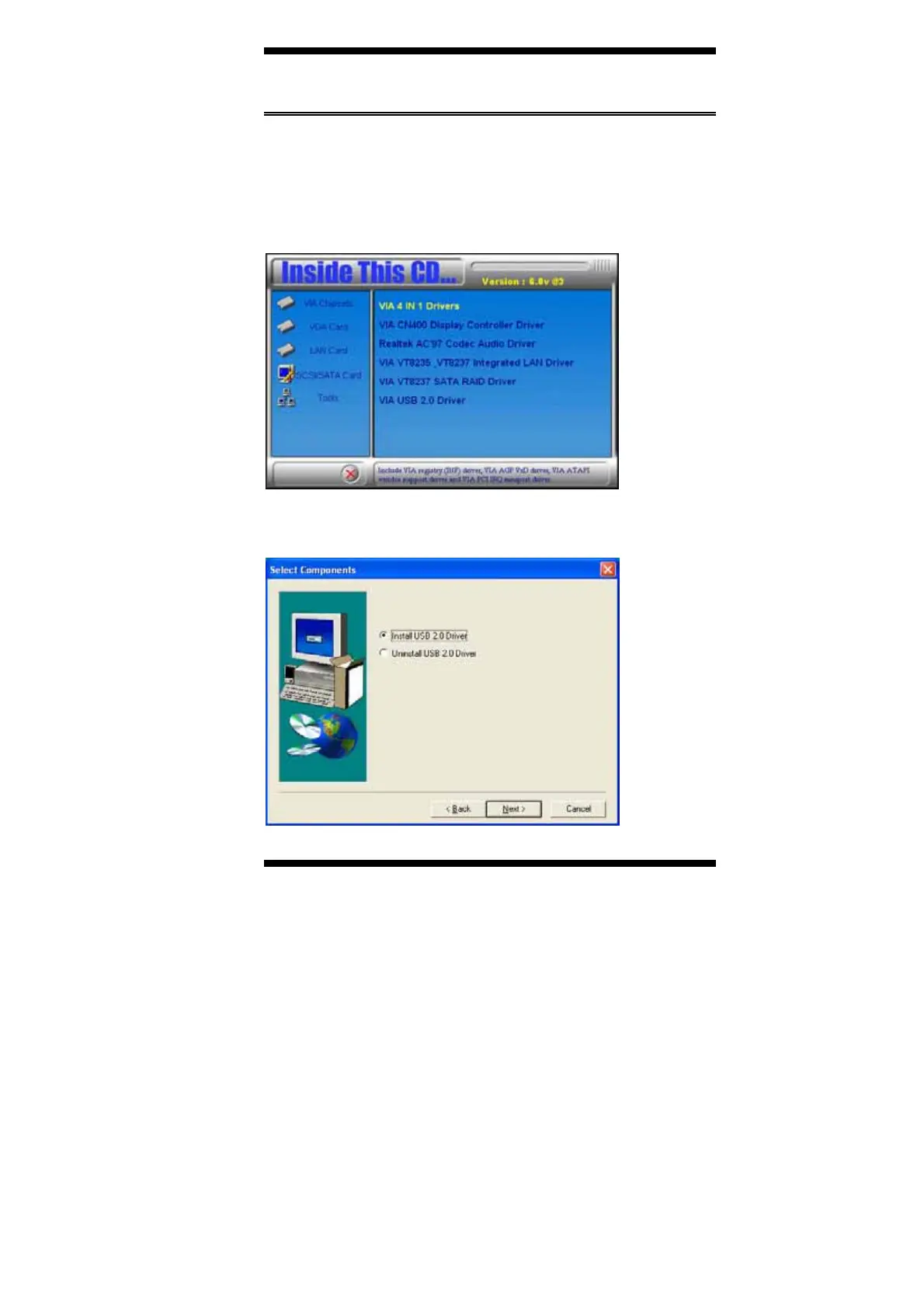
VIA USB 2.0 Driver Installation
Follow the steps below to install the VIA USB 2.0 Driver under
Windows 98/98SE/ME/2000/XP.
1. Insert the CD that comes with the motherboard and the screen below
would appear. Click VIA CN400 Chipset Drivers.
2. Click on VIA USB 2.0 Driver.
3. When the welcome screen appears, click Next.
4. Click Next to proceed with the installation.



 To Next Page