English
58
Restoring Factory
Settings
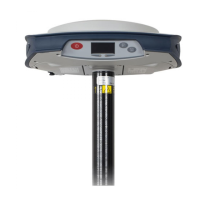
This is done by pressing simultaneously the three front panel
buttons (Power + Scroll + Log). All factory settings are
restored, except the following, which are kept unchanged:
•GSM
– PIN code
–APN
– Login
– Password
–Network
• Bluetooth
– PIN code
– Receiver’s Bluetooth name
•WiFi
–IP
–Mask
– Gateway
– DNS1, DNS2
• Anti-Theft protection
– Current state (enabled or disabled)
– Anti-Theft password
– Anti-Theft position
– Last position computed
– Phone numbers and email addresses programmed to
receive alerts in case of theft.
• E-mail settings


 To Next Page