3) When ready to start taking scans, connect the instrument-side connector of the
power/triggering cable into the main unit next to the fiber optic adapter (in the
same manner as it was connected to the contact probe) and then, using the
on/off switch, turn the probe on.
4) Hold the sample window of the probe flat to the sample, or as perpendicular to
the surface as possible if the surface is irregular. Ensure that the contact probe
power is on, and the spectrometer unit is set to “external trigger mode” as
described in the unit user manual. When the probe is first switched ON, the
green LED on the power switch is illuminated.
5) Press the trigger button on the front of the grip until a click is heard, and then
immediately release the trigger. The LED on the back of the probe will begin
blinking, and will return to its original state of constant illumination once the scan
is complete.
6) After completing the needed scans, make sure to switch the probe power off.
Changing the Light Bulb
1) Ensure the Probe is off and has had time to cool to room temperature. The bulb
may be HOT after prolonged operation.
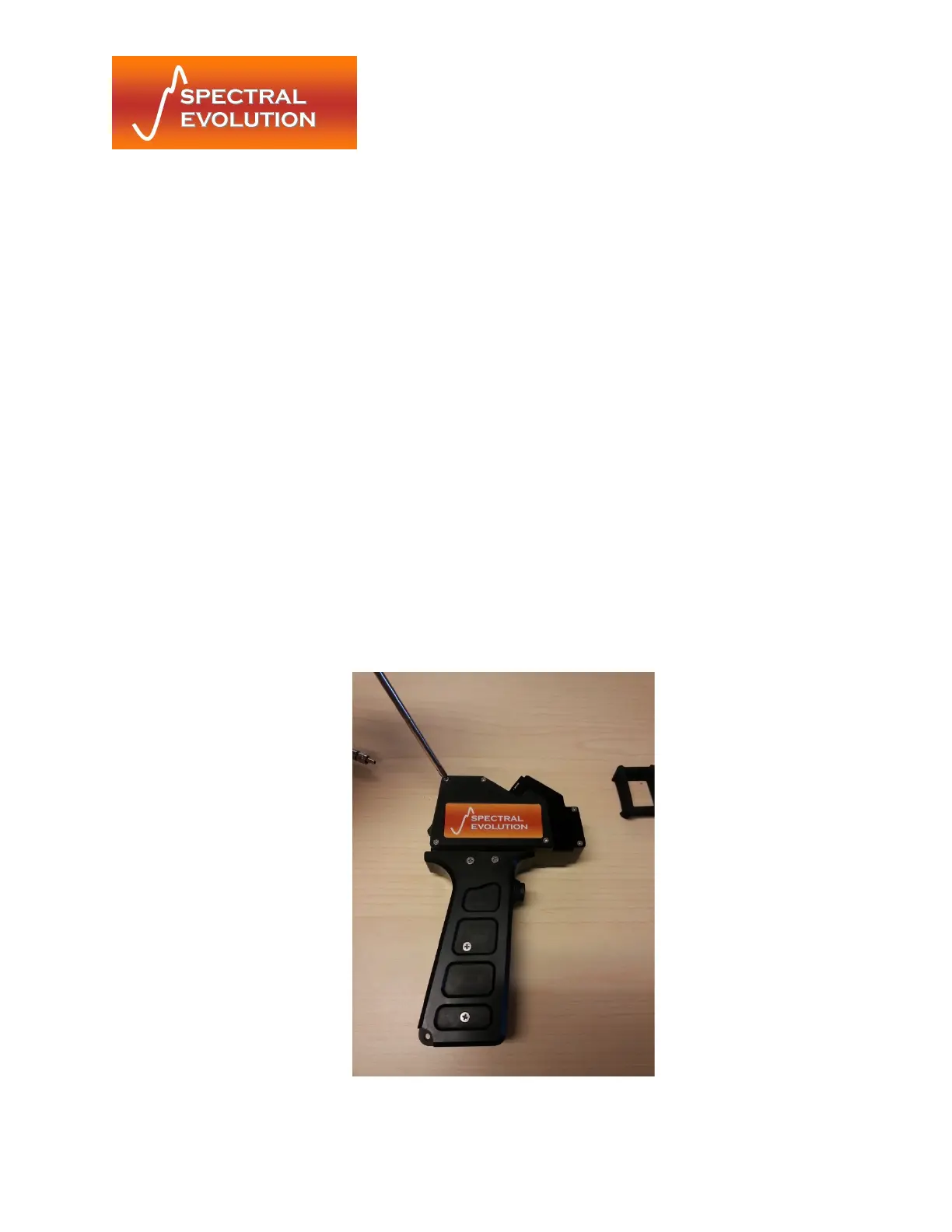
2) Remove the lid of the probe by using a Phillips head screw driver to remove the 5
#2-56 screws as shown.


 To Next Page