Spectralink 7710, 7720, 7740 User Guide
14184663 Version 8.0
September, 2013 5
— UK version: 0250 9501
— AU version 0250 9502
— US version: 0250 9503
Battery Information
The battery is connected to the handset from factory and must not be removed. To replace the
battery, please contact your local distributor.
The only battery that can be used for the Spectralink 7710, Spectralink 7720 and Spectralink 7740
is the following:
• Battery part number: 8474 3424.
Charging Battery
When charging battery for the first time, it is necessary to leave handset in charger for 14-16 hours
for the battery to be fully charged.
During normal operation, it takes approximately 6 hours to charge the handset from fully
discharged to its full capacity. Turning the backlight off reduces charging time with approximately
2 hours.
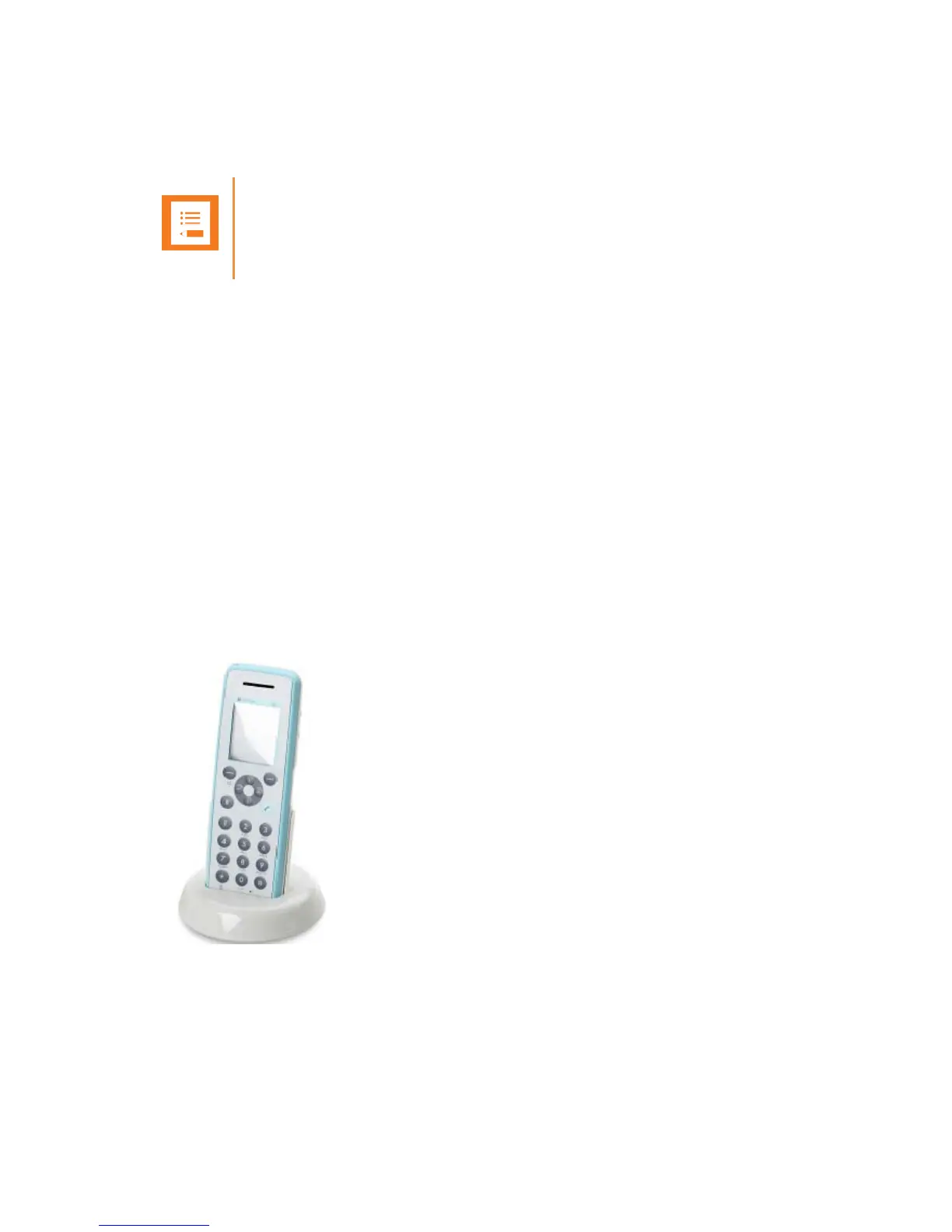
• Place handset in charger.
For correct charging, be sure the room temperature is between 0°C and 40°C. Do not place the
handset in direct sunlight. The battery has a built-in heat sensor which will stop charging if the
battery temperature is too high.
Note
The charger can only by used with this specific power supply unit.



 To Next Page