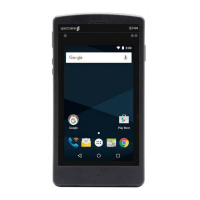
Product End-of-Life Disassembly Instructions
Disassembly Instructions Form Doc # | Spectralink Europe ApS
Disassembly Instructions
The main points to consider when disassembling this product/assembly are:
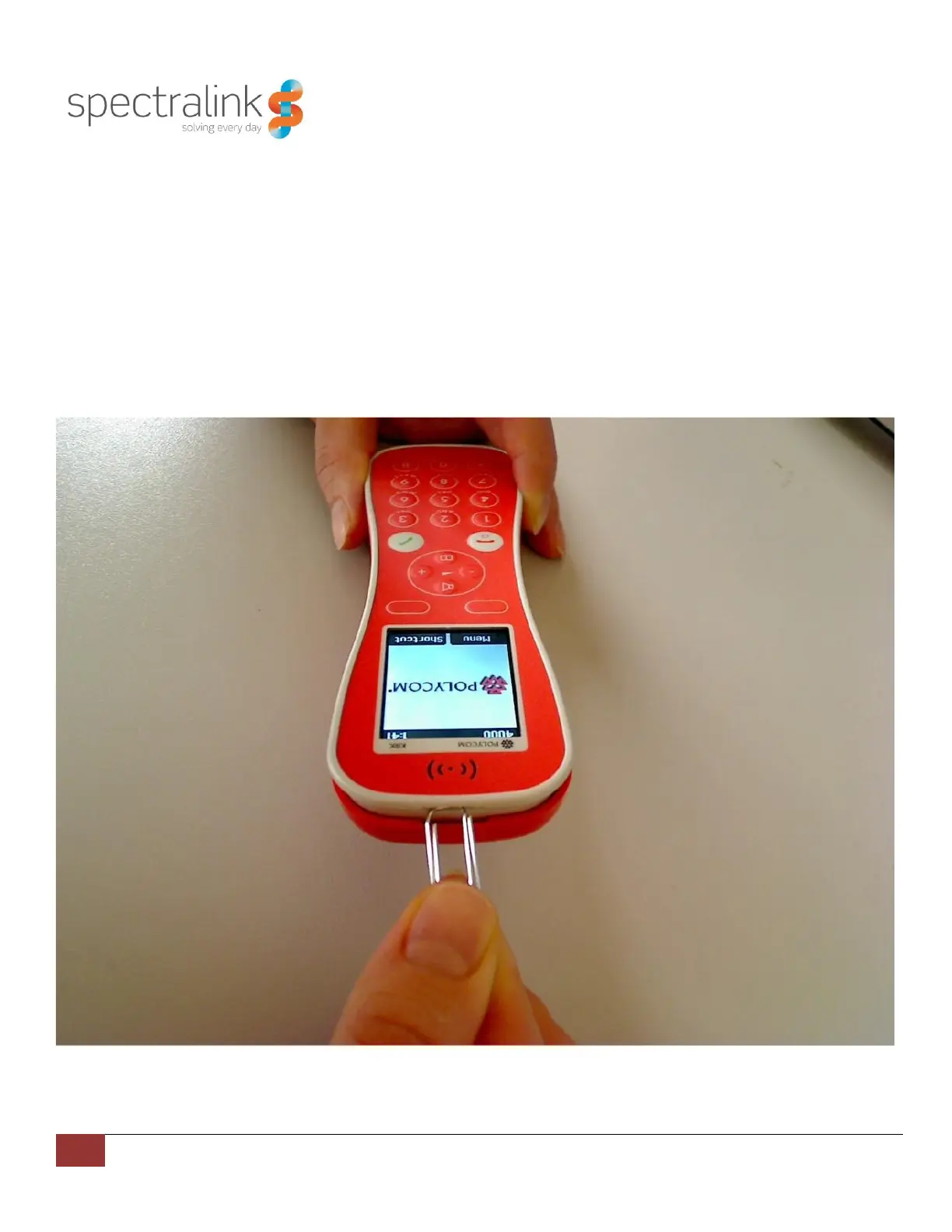
1. To remove the battery cover, use the small opening on top of the handset. Use a paperclip or a wide
screwdriver. When the gap at the top opens, lift off the battery cover.
2. Remove the batteries.
3. Remove the 6 screws (with TX 6) and seperat the cover from the bottom.
4. Take PCB out of the housing.
5. Dispose separately the batteries and the PCB.
Figure 1- Open the battery cover


 To Next Page