Need help?
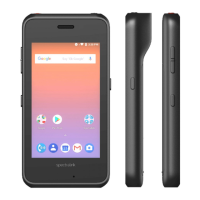
Do you have a question about the SpectraLink Versity 9540 and is the answer not in the manual?
Ensures adequate licenses are available in CUCM to support the Spectralink Versity handset deployment.
Guides on building a Phone Security Profile appropriate for Spectralink Versity handsets.
Details the minimum fields required for adding an End User in CUCM for the Versity handset.
Outlines the steps to add a new phone entry for the Versity handset in CUCM.
Provides manual SIP configuration steps for the Versity handset to register with CUCM.
Describes how to check for successful registration status of the Versity handset in CUCM.
 General
| Brand | SpectraLink |
|---|---|
| Model | Versity 9540 |
| Category | Cell Phone |
| Language | English |


 To Next Page