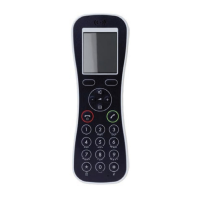
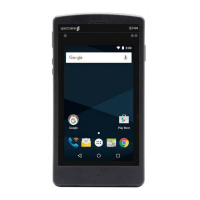
Need help?
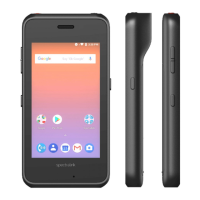
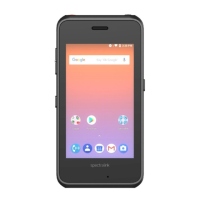
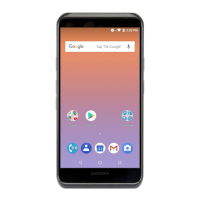
Do you have a question about the SpectraLink Versity 9640 and is the answer not in the manual?
Ensures sufficient licenses are available for the Versity handset.
Guides on creating a security profile for Versity handsets.
Details the process of adding a new end user in CUCM.
Explains how to add a new phone device in CUCM.
Describes adding a directory number for the handset.
Covers configuring the handset for CUCM registration.
Steps to confirm successful registration of the handset.
Verifies core calling features and handset functionality.
 General
| Brand | SpectraLink |
|---|---|
| Model | Versity 9640 |
| Category | Cell Phone |
| Language | English |


 To Next Page