7
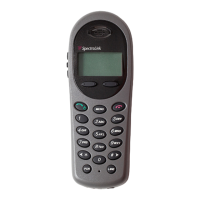
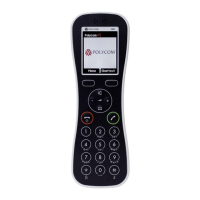
The Handset
THE HANDSET
Modes of Operation
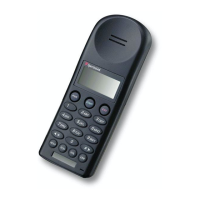
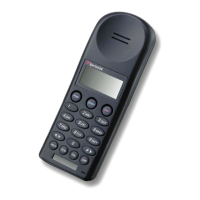
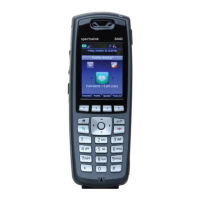
Your handset has four modes of operation:
Menu Navigation
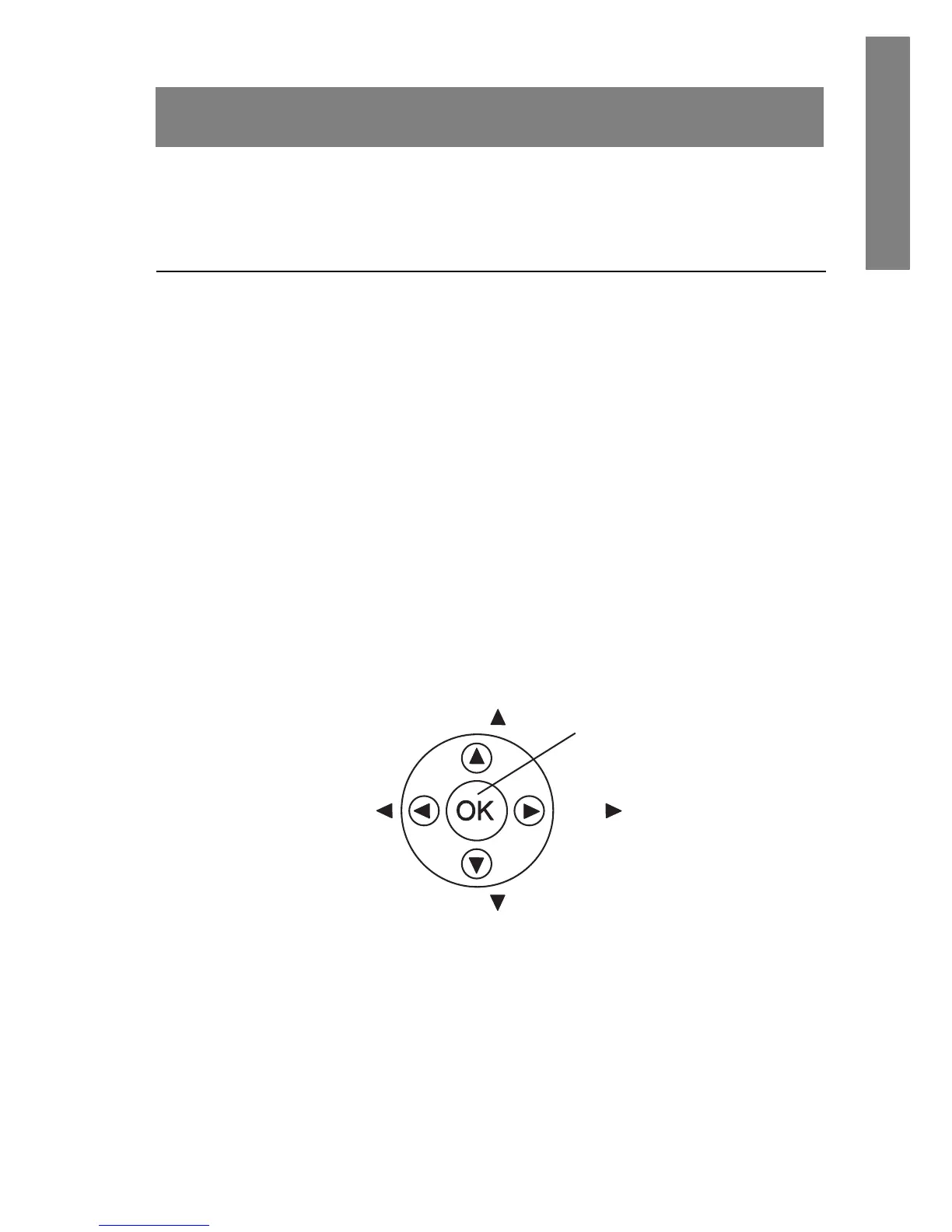
The navigation keys (Nav keys) just below the softkeys are used to
navigate through menu options. These are referred to in this guide
as
NavS, NavT, NavW, NavX, and NavOK.
Mode Description
Standby The handset is not in a call or messaging.
Active A call is coming in, a call is being dialed or
the handset is in a call or messaging.
Config Menu User preferences are being accessed in the
Config Menu. In this mode the handset is
on, but will not receive calls.
Message Alert Custom text messaging applications may
be programmed for your facility. This
mode is activated through the
FCN menu.
See Advanced Features.
Nav
Nav
Nav
Nav
NavO



 To Next Page