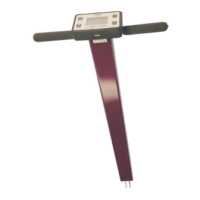
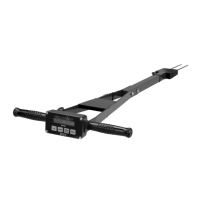
10
Configuring the meter
Meter configuration is done in the Settings Menu (pp. 8-
9).
Taking Readings
1. Grip the TDR sensor block.
2. Push down on the block, maintaining a steady down-
ward pressure to drive the rods into the soil until the sen-
sor base is in contact with the soil surface. Be sure not to
allow back and forth or side to side movement. This can
introduce air pockets into the soil medium which will alter
the reading.
Caution: Exercise care not to damage the rods.
3. Press the READ button and observe the change in re-
sults on the top display.
Meter Operation


 To Next Page
 Loading...