MUG1160S-A1 Page 2
Programming Your Remote for Any Other Cable Box
This section is for any cable box that is NOT a Charter WorldBox. If you have a WorldBox, refer to the
section above for remote pairing, following the on-screen instructions for any other remote
programming.
Setup Remote to Control Cable Box
Point your remote at your cable box and press MENU to test. If the cable box responds, skip this step
and proceed to PROGAMMING YOUR REMOTE FOR TV AND AUDIO CONTROL.
1. If your cable box is branded Motorola, Arris, or Pace:
a. Press and hold MENU and the 2 digit key simultaneously until the INPUT key blinks
twice.
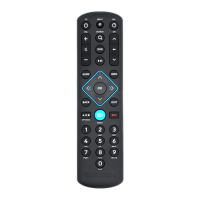
Show remote with MENU and 3 keys highlighted
2. If your cable box is branded Cisco, Scientific Atlanta, or Samsung:
a. Press and hold MENU and the 3 digit key simultaneously until the INPUT key blinks
twice.
Show remote with MENU and 3 keys highlighted
Programming Your Remote for TV and Audio Control
Setup for Popular TV Brands
This step covers setup for the most common TV brands. If your brand is not listed, please proceed to
SETUP USING DIRECT CODE ENTRY
1. Ensure that your TV is powered-on.
Show TV with remote pointed at it.
2. Simultaneously press and hold MENU and OK keys on remote until the INPUT key blinks twice
Show remote with MENU and OK keys highlighted
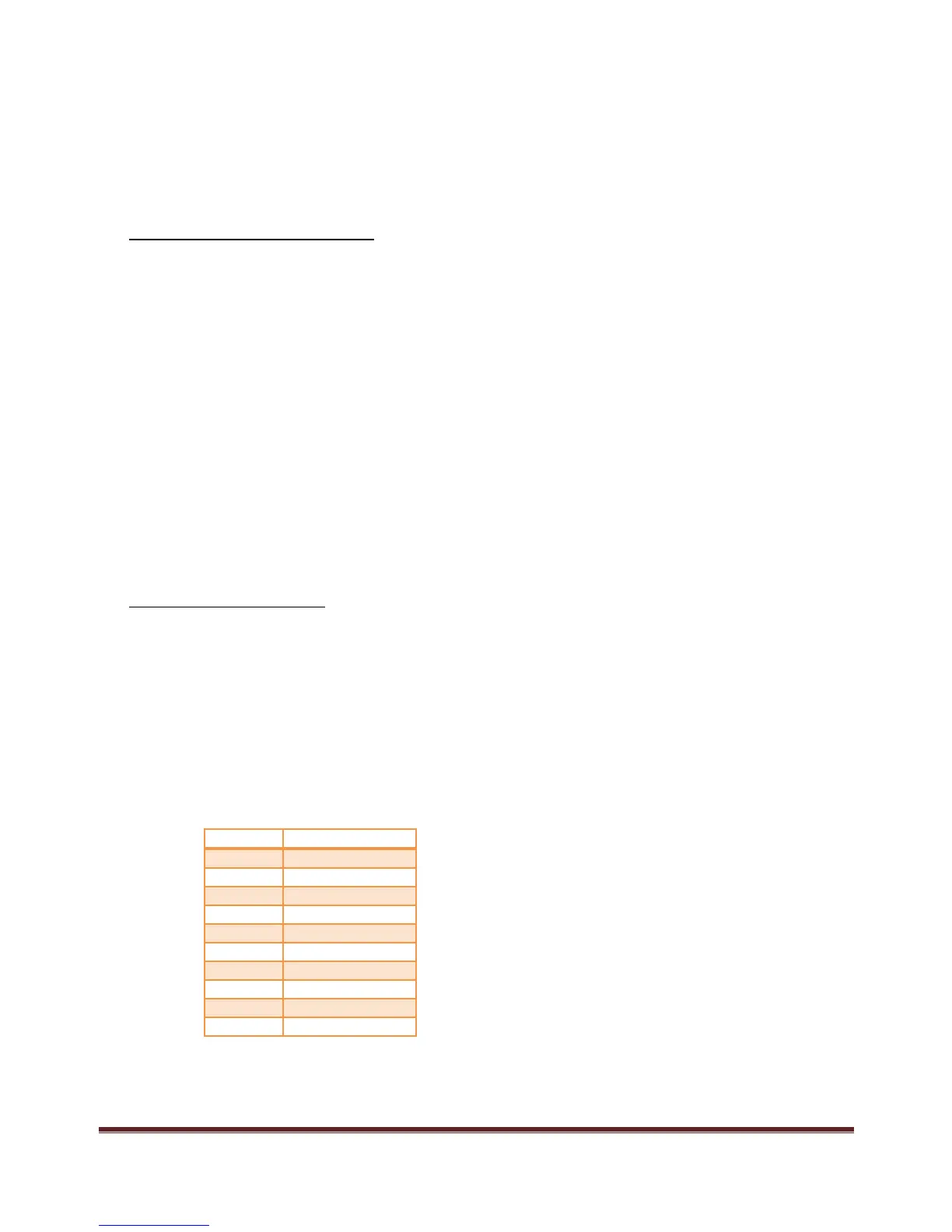
3. Find your TV brand in the chart below and note the digit that relates to your TV brand. Press
and hold down the digit key.
4. Release the digit key when the TV turns off. Setup is complete.
Show remote pointed at TV, transmitting data and TV is off.


 To Next Page