4100/4200 Router User’s Guide Operating System Configuration
Checking TCP/IP Settings (MAC OS 8.6 through 9.x)
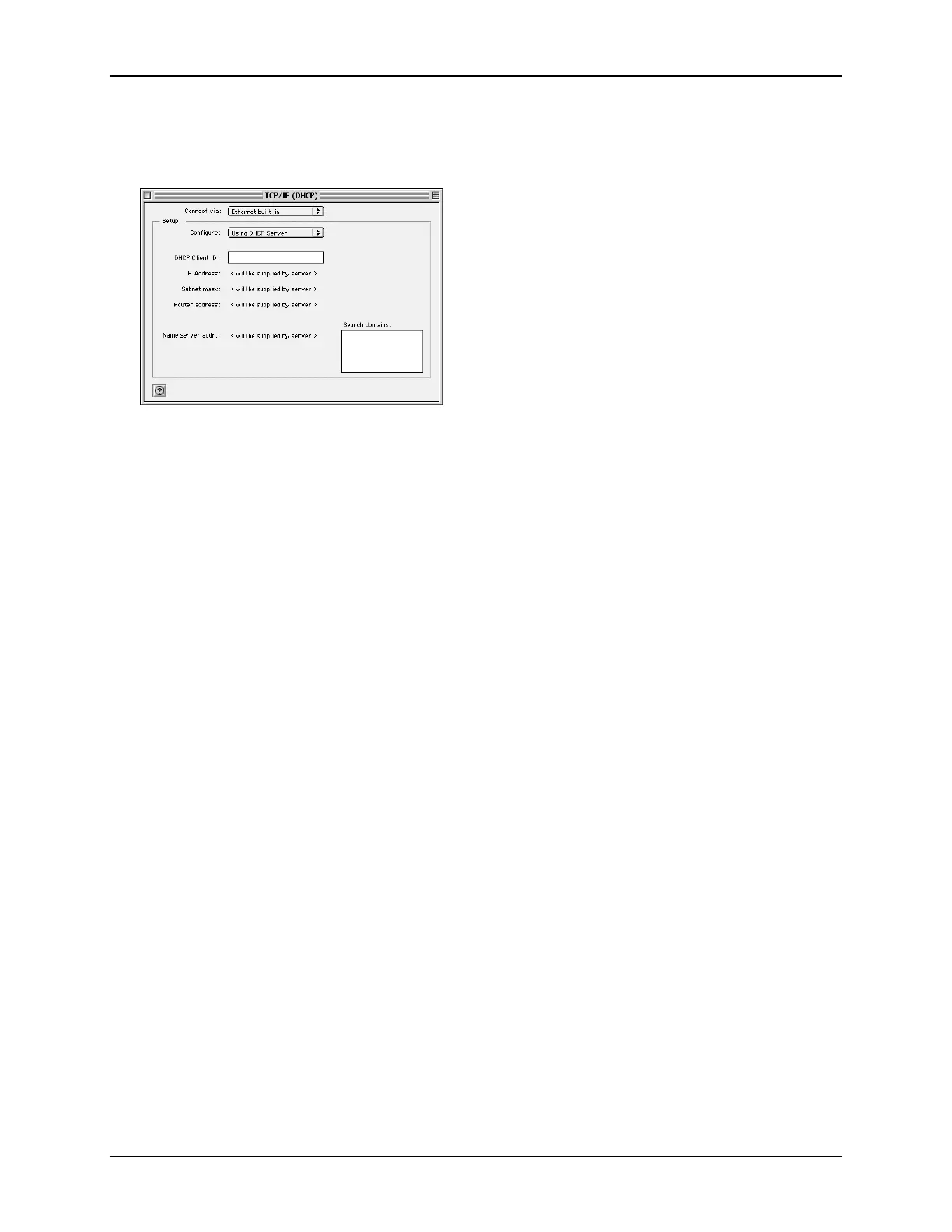
1. Select Apple >Control Panel >TCP/IP. This displays the “TCP/IP” window.
2. Select one of the following from the Connect via drop-down menu.
• Ethernet or Ethernet built-in if connecting via Ethernet.
• Ethernet Adaptor [en0,en1,…] if connecting via USB.
3. Select Using DHCP Server from the Configure drop-down menu.
4. Close the “TCP/IP window” and click Save.
5. Reboot when configuration is saved. Once rebooted, the computer will pull an IP address from the
DHCP server on the Router.
6. Configure the Router using the procedure described in the next chapter.
13



 To Next Page