4100/4200 Router User’s Guide Monitoring Network Health
Log
Firewall Logging displays attempts (both failures and successes) to access data through he firewall.
Firewall log entries are defined on the Firewall Settings Configuration screen found under the Security
menu.
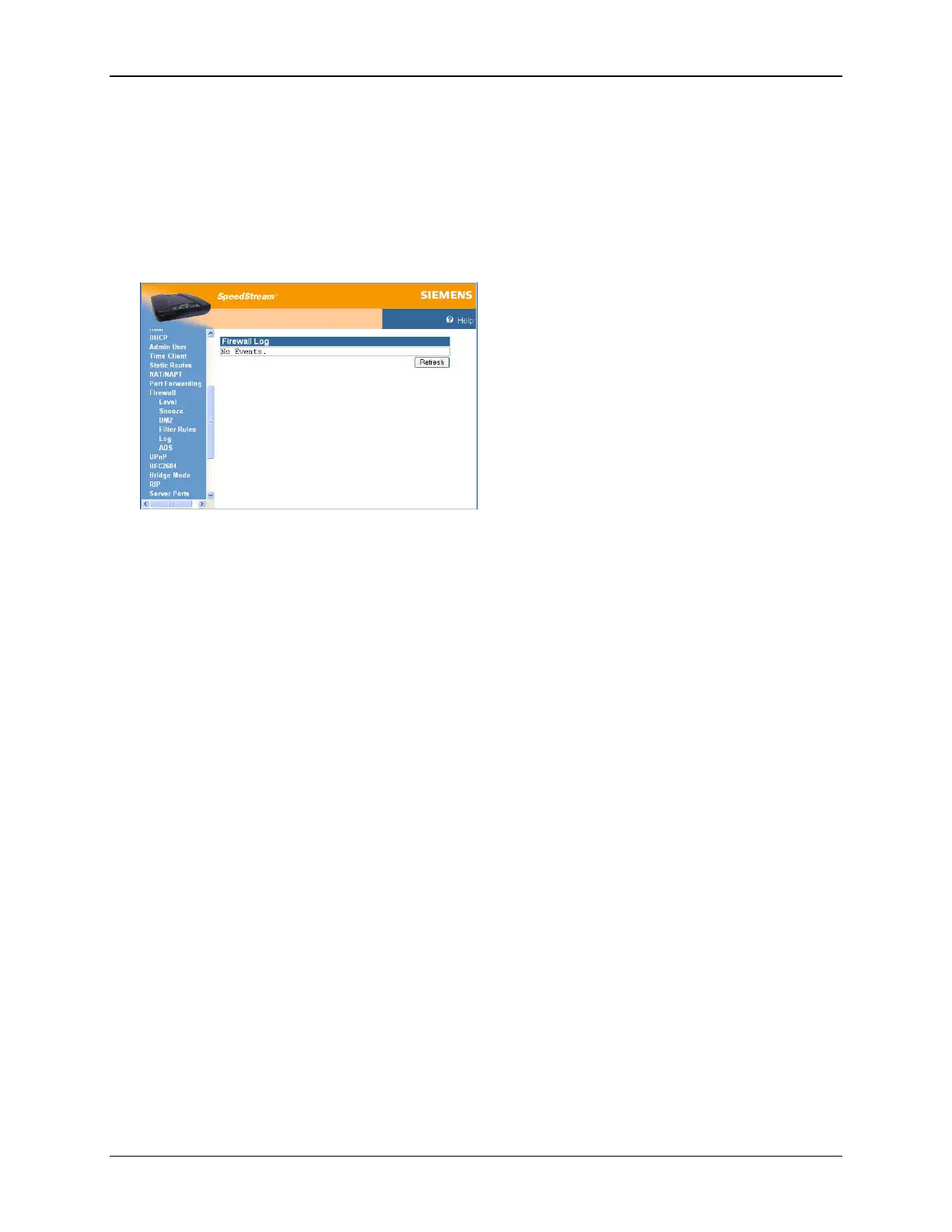
To view the firewall log, select Setup>Firewall>Log from the left navigation pane of the Web interface.
This displays the “Firewall Log” window.
52



 To Next Page