4100/4200 Router User’s Guide Operating System Configuration
Checking TCP/IP Settings (MAC OSX)
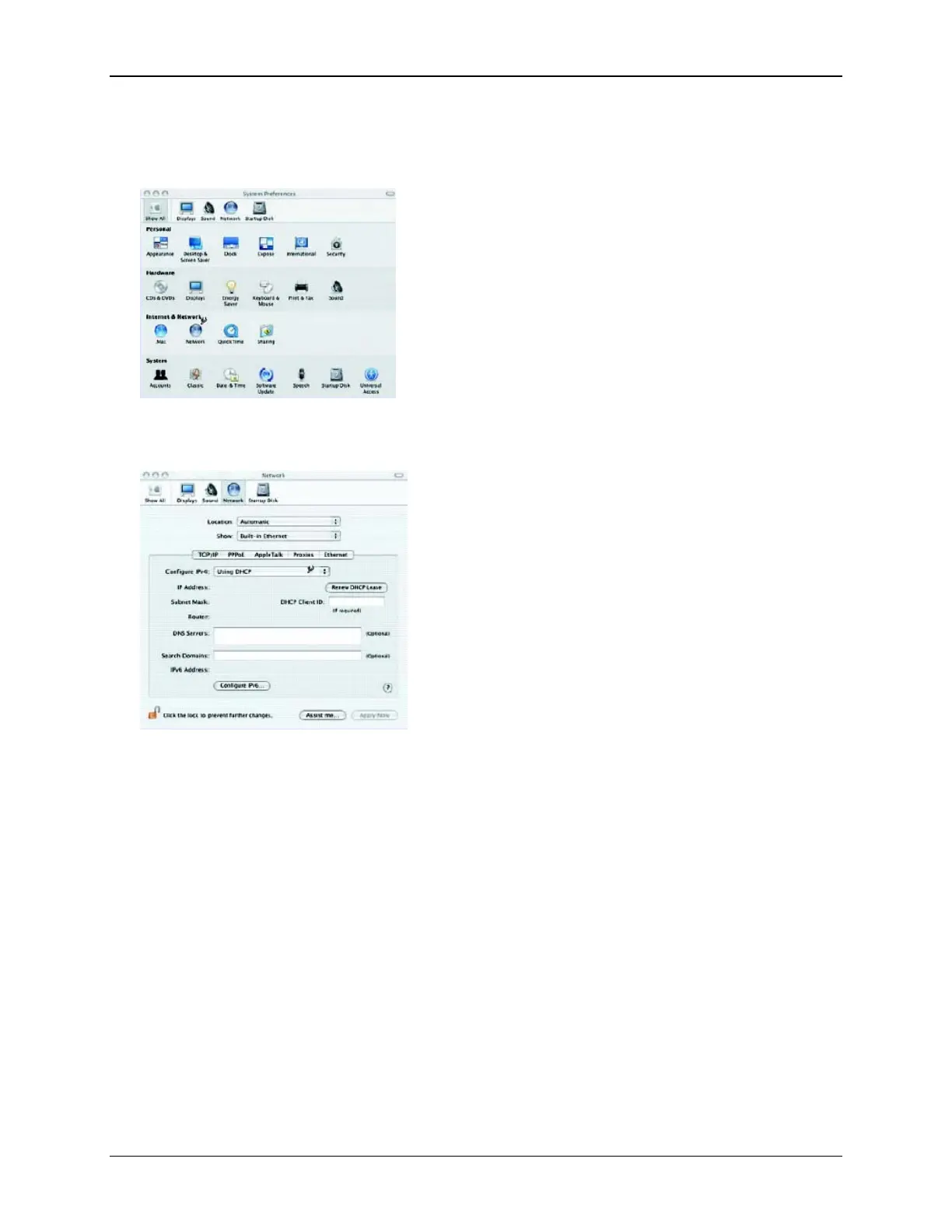
1. Click Apple -> System Preferences. This displays the “System Preferences” window.
2. Double-click the Network icon under the Internet & Network section. This displays the “Network”
window.
3. Select one of the following from the Show drop-down menu:
• Built-in Ethernet if connecting via Ethernet.
• Ethernet Adaptor [en0,en1,…] if connecting via USB.
4. Select Using DHCP Server from the Configure IPv4 drop-down menu.
5. Click Apply Now and quit window.
6. Configure the Router using the procedure described in the next chapter.
14



 To Next Page