4100/4200 Router User’s Guide Monitoring Network Health
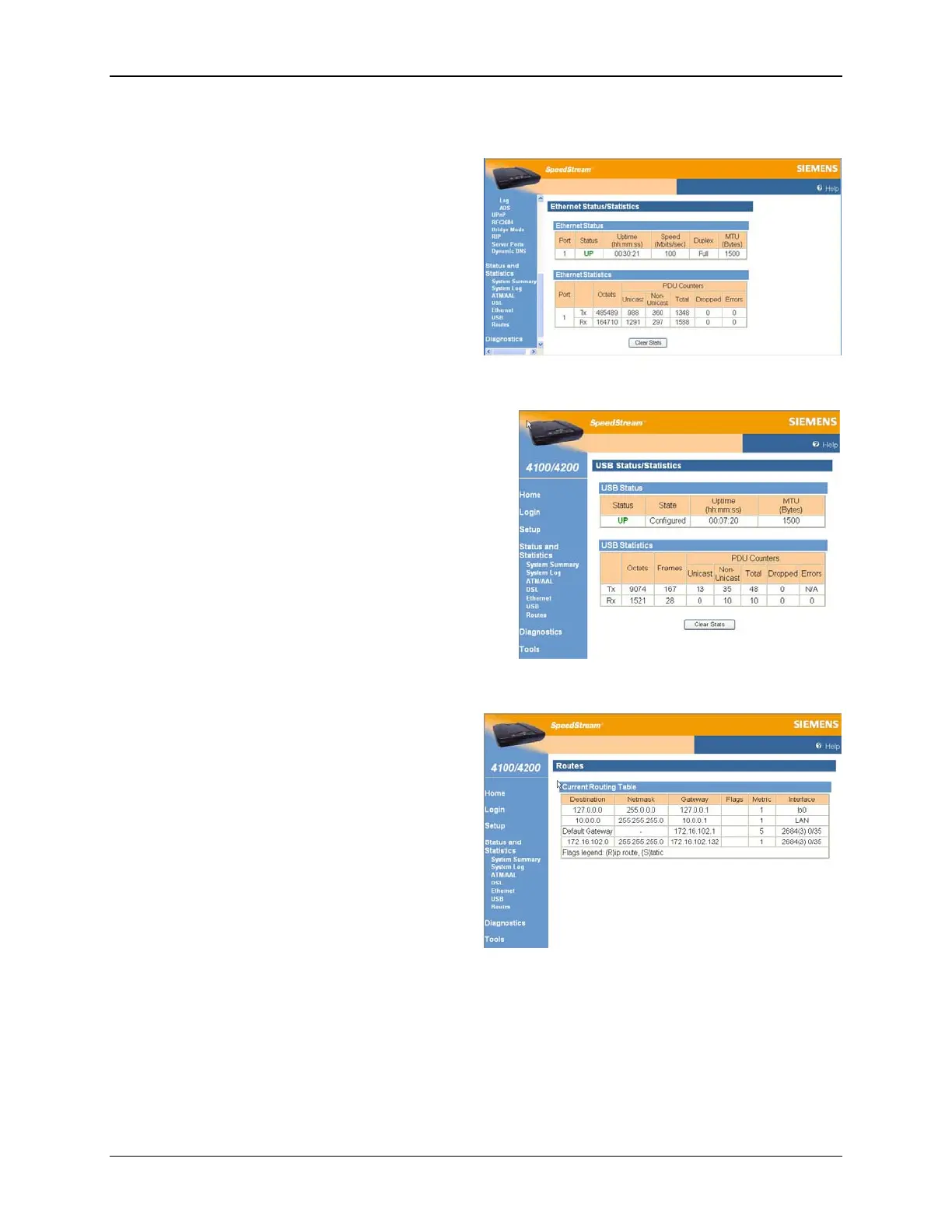
Ethernet Statistics
View status and statistical information for LAN-side
Ethernet connectivity.
Pay special attention to the status (up or down)
reported for each Ethernet port to verify that each
cable is connected properly and detected by the
Router.
Select Status and Statistics>Ethernet from the
left navigation pane of the Web interface to view
Ethernet statistics.
USB Statistics
View status and statistical information for LAN-side USB
connectivity.
Pay special attention to the status (up or down) reported
for each USB port to verify that each cable is connected
properly and detected by the Router.
Select Status and Statistics>USB from the left
navigation pane of the Web interface to view USP
statistics.
Routes
View all IP routes currently known by the Router.
Both static and dynamic routes are shown along
with their respective netmask, Router, and the
corresponding interface.
Select Status and Statistics>Routes from the left
navigation pane of the Web interface to view the
current routing table, which contains the data
pertaining to all currently known static and dynamic
IP routes
58



 To Next Page