EN
5
Registering and Updating Spektrum Receivers
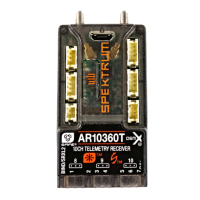
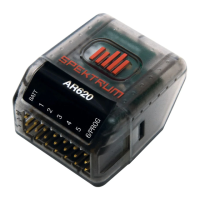
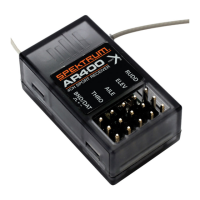
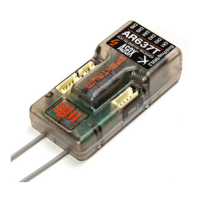
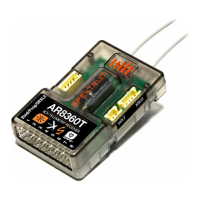
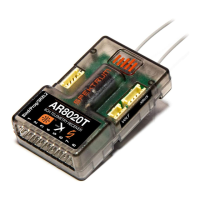
AR410/620/630/637T/8020T/8360T and 4650/4651T/9747
The Spektrum USB programming cable (SPMA3065) is required. To update
remote receivers an adapter (SPMA3066) is also required.
1. Launch the Spektrum Programmer App on a PC
2. With the Programming cable and adapter if needed, connect the receiver
to the PC. Some receivers will connect through a PROG port, some will
connect through the Throttle port. Refer to your receiver’s manual for
specifics.
IMPORTANT: Either select Power Cable in the top/right corner of
the PC app OR power the receiver with a battery (do not do both).
3. If the receiver does not automatically connect, click the connect button.
4. A message saying Model Mismatch may pop up, this is an option to use
either the model settings that are on the receiver or on the computer. If the
model settings on the receiver are correct and you do not wish to change
them, select Use Device Settings. If you would like to instead overwrite the
settings, you can select Use Computer Settings.
5. Click on Software Update
6. In the Online Update Section, click Check for Update
7. If the device is not registered there will be a pop up where you can enter a
Nickname and option to be notified of updates, after entering a Nickname if
desired and selecting the notification setting desired, click Register Device.
If a newer version is available the button will say Update Available, if not it
will say Install Another Version, select this if an update is desired, select the
update and press update.
8. The update will now complete and once completed can be disconnected.


 To Next Page
 Loading...