EN
10
Setup Menu
The following section describes each menu point and the available settings.
A. Mounting Orientation
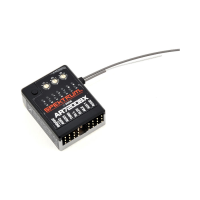
The AR7200BX can be mounted horizontally or vertically. The only restriction
is that the servo plug connectors MUST point toward the front or rear of the
helicopter.
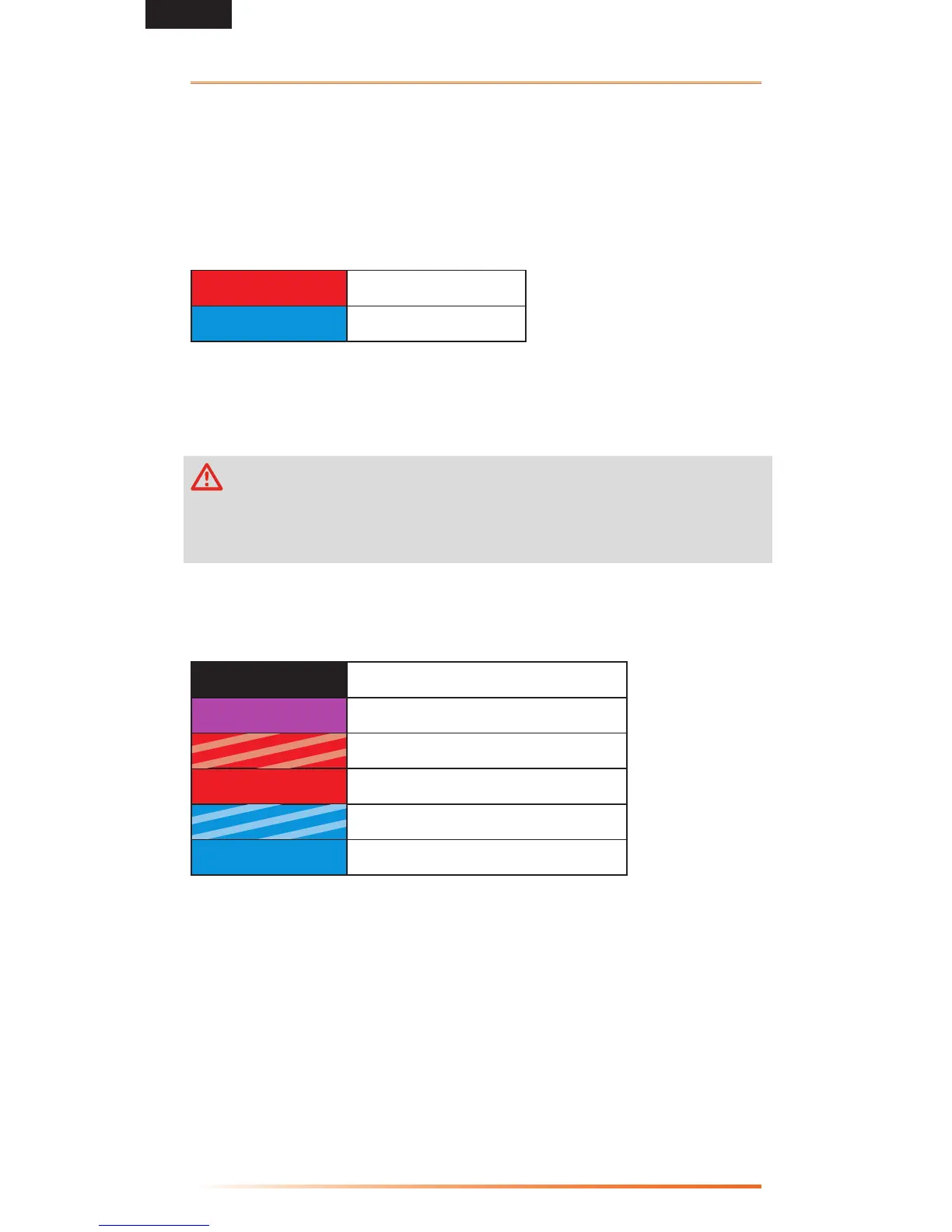
Status-LED
Red Solid
Vertical (on the side)
Blue Solid
Horizontal(at)*
Push the setup button to save the selection and move to menu point (B).
B. Swashplate Servo Frequency
CAUTION: If you do not know the maximum pulse rate for your servos,
donotexceed50Hzservofrequency.Ahigherservofrequencycanlead
toservofailure.Analogservosusuallytolerateamaximumof50Hz.Contactthe
servo manufacturer if you are unsure of the servo frequency.
Always use the highest servo frequency that the servos will handle for the best
performance.
Status-LED
OFF
UserDened(requiresPCsoftware)
Purple Solid
50Hz*
Red Flashing
65Hz
Red Solid
120Hz
Blue Flashing
165Hz
Blue Solid
200Hz
Push the setup button to save the selection and move to menu point (C).
To see a complete Spektrum servo reference chart, refer to the servo chart on
spektrumrc.com.
*=Factory
Setting
*=Factory
Setting


 To Next Page