EN
8
Setup Procedure
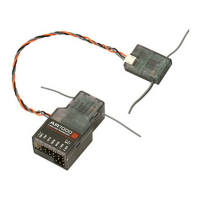
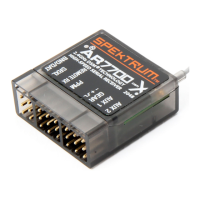
Poweronthetransmitterrst.TheAR7200BXinitializeswhenthereceiveris
powered on. Do not move the AR7200BX or the helicopter while the receiver is
initializing.Youcanlaythehelicopteronitssidetopreventitfrommovingin
windy conditions.
Receiver Initialization Cycle
1. LEDscycleandthenthermwareversionwilldisplayfor3seconds.
2. LEDsHthroughNcycletoinitializethereceiverinputs.
3. LEDsAthroughGcycletocalibratethesensors.
4. TheswashplatemovesasmallamountandtheStatusLEDturnssolidafter
initialization completes.
Status-LED
Purple Solid
Tail gyro is in Normal-Rate mode
Blue Solid
TailgyroisinHeadingLockmode
5. OneoftheLEDsA–Nwilllightfor10secondstoshowtheamountoftail
gain.
(A) = 0% to (N)=100%.
Switching Between Menu Levels
TheAR7200BXhastwomenulevels—SetupMenuandParameterMenu.You
mustbeinight-readymode(A–NLEDsoff)toswitchbetweenmenulevels.
Setup Menu—Access all basic settings for helicopter setup.
ToaccesstheSetupMenu:PressandholdthesetupbuttonuntilLED(A)stops
flashing and lights up solid.
Parameter Menu—Access settings to adjust the helicopter’s flight
characteristics.TheParameterMenuisusedattheyingeld.
ToaccesstheParameterMenu:PressthesetupbuttonuntilLED(A)ashes
rapidly.ReleasethesetupbuttonwhenLED(A)ashes.


 To Next Page