EN
7
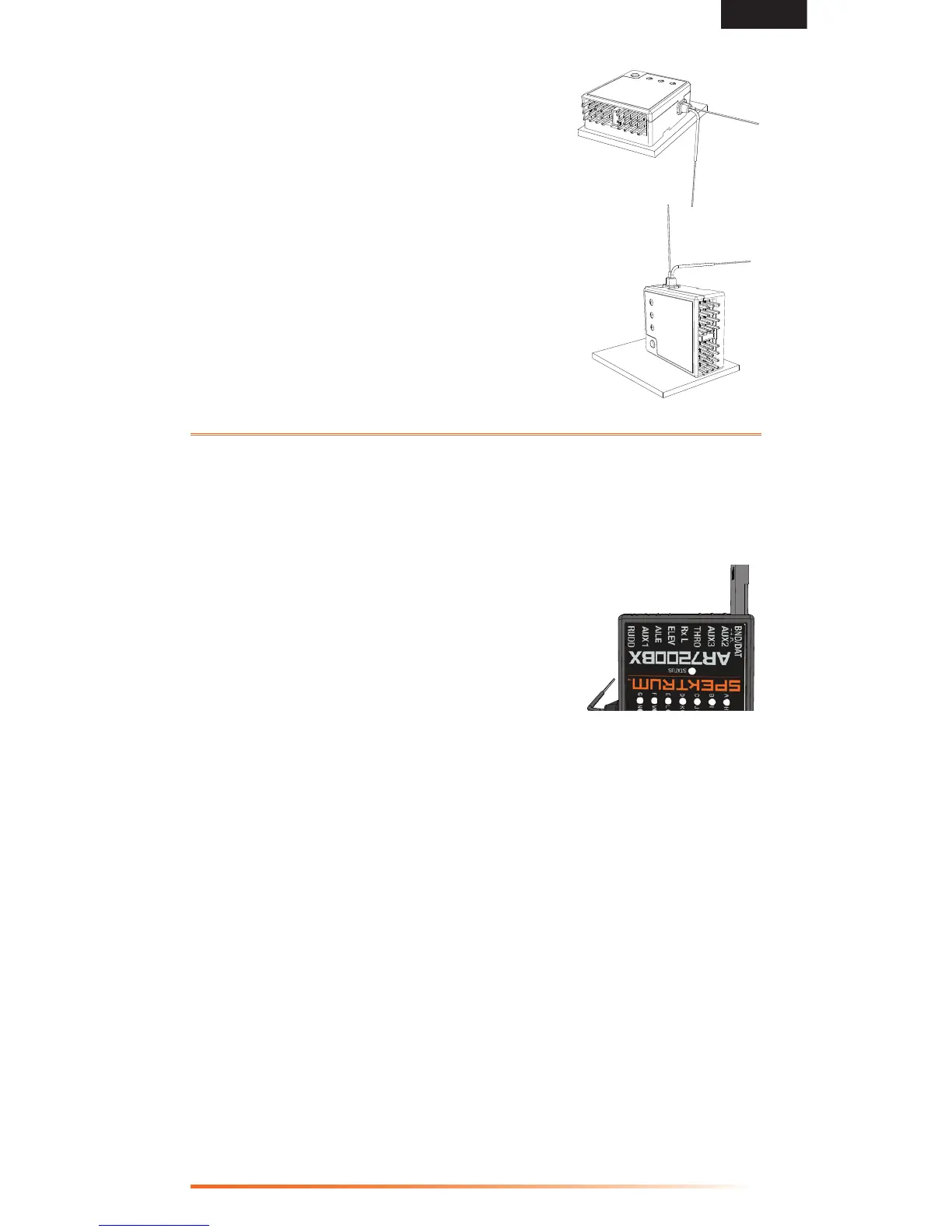
The AR7200BX can be attached flat, upright or inverted under the helicopter. The
servo connector pins must always point toward the
front or rear of the helicopter. Make sure the edges of
the AR7200BX are all parallel with the corresponding
axes of the helicopter.
Y-Harnesses and Servo Extensions
DonotuseampliedY-harnessesandservo
extensions with Spektrum equipment. Only use
standardnon-ampliedY-harnessesandservo
extensions. When converting existing models to
Spektrumdevices,replaceallampliedY-harnesses
and servo extensions.
Binding
Youmustbindthereceivertothetransmitterbeforethereceiverwilloperate.
Binding is the process of programming the receiver to recognize the GUID
(GloballyUniqueIdentier)codeofasinglespecictransmitter..
To bind an AR7200BX to a DSM2 or DSMX transmitter:
1. Insert the bind plug in the BND/DAT port on the
receiver.
2. Power on the receiver (The AR7200BX can be
poweredthroughanyopenport).TheHLEDon
the AR7200BX and external remote receiver (if
connected) should be flashing, indicating the
receiver is in bind mode.
To bind a helicopter with an electronic speed
controller that powers the receiver through the
throttle channel, insert the bind plug into the BND/DAT port in the receiver
andtheESCleadintothethrottle(THRO)port.
3. Move the sticks and switches on the transmitter to the desired failsafe
positions (low throttle and neutral control positions).
4. FollowtheproceduresofyourspecictransmittertoenterBindMode.The
systemwillconnectwithinafewseconds.Onceconnected,theHLEDwill
turn off and the AR7200BX will start the initialization process.
5. After setting up your model, rebind the system so the true low throttle
positions are set in the failsafe.
6. Remove the bind plug from the BND/DAT port on the receiver before you
power off the receiver and transmitter. Store the bind plug in a convenient
place.
NOTICE: Remove the bind plug to prevent the system from entering bind mode
the next time the power is turned on.
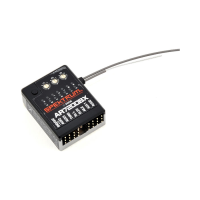
AR7200BX with bind
plug inserted


 To Next Page