EN
22
Dial 3: Tail Dynamic
Turn Dial 3 clockwise to increase the tail dynamic or counterclockwise to decrease
the tail dynamic.
Factory setting for Dial 3 is horizontal
Make sure the maximum possible tail gyro gain has already been determined
before adjusting the tail dynamic.
The tail should stop perfectly to the point without making any flapping noises.
Transmitter adjustment: Tail Gyro Gain
Tail gain can be adjusted using the transmitter’s gear channel. Most transmitters
have a gyro screen that allows gyro adjustments. It is important that the gyro
function is assigned to the gear channel in the transmitter.
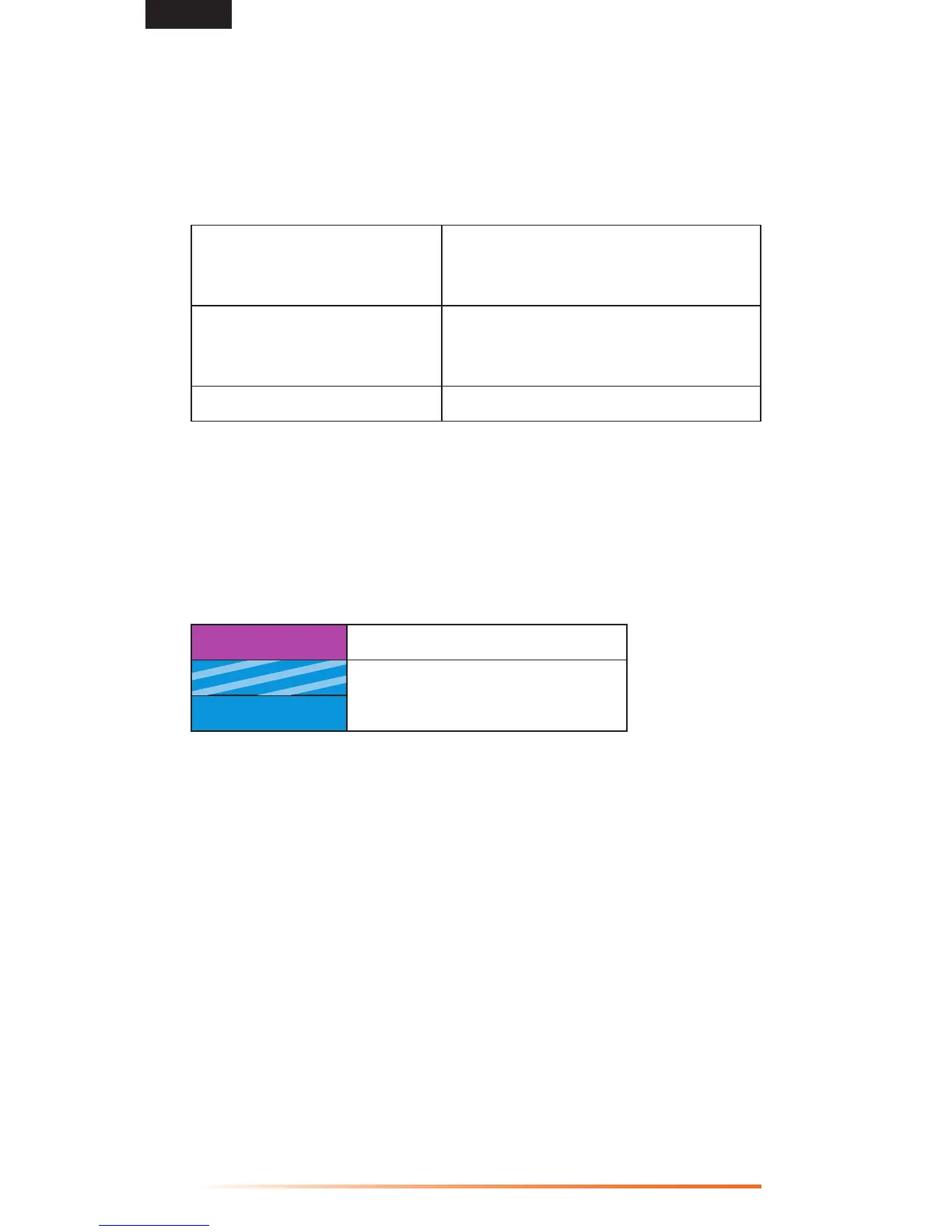
Status-LED
Purple Solid
Rate Mode
Blue Flashing
HeadingLockMode
Blue Solid
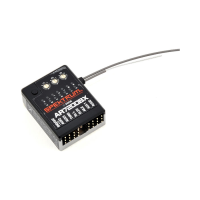
ThecoloroftheStatusLEDindicatestheselectedmodewhentheAR7200BXis
ready for operation.
Whenthegainchanneliscentered,LEDA=0%gain.Themaximumadjustabletail
gainis100%inbothmodes(LEDN=100%).OneoftheLEDsA–Nwilllightfor
10 seconds to show the amount of tail gain. (A) = 0% to (N)=100%.
Fortherstights,donotuseagainhigherthanForGinHeadingLockmode.
Increasing the Tail Dynamic This will lead to harder stopping behavior
and more aggressive response to tail stick
inputs.
Tail Dynamic Too High The tail will bounce back shortly after a
hard stop and feel soft when making fast
direction changes.
Tail Dynamic Too Low Stopping might be too soft.


 To Next Page