- When watching an available program, press SOUND MODE button on remote control
repeatedly to select SOUND mode directly.
Available options: Standard, Music, Movie, User.
- When watching an available program, press ASPECT button on remote control repeatedly
to select VIDEO SIZE directly. Available options: Normal, Wide, Zoom, Cinema.
- The available video size may be different in different input source.
- ASPECT button on remote control doesn’t work for HD programs.
- When watching an available program, press MTS button on remote control to enter Sound
menu page, then use UP or DOWN navigation button to select desired option. Options:
(Not available for all channels)
- Or press MTS/AUDIO button on remote control to display Digital Sound language.
(Not available for all channels)
- When watching an available program, press TV DISPLAY button on remote control to
display information of current program.
TV GUIDE (FOR TV MODE ONLY)
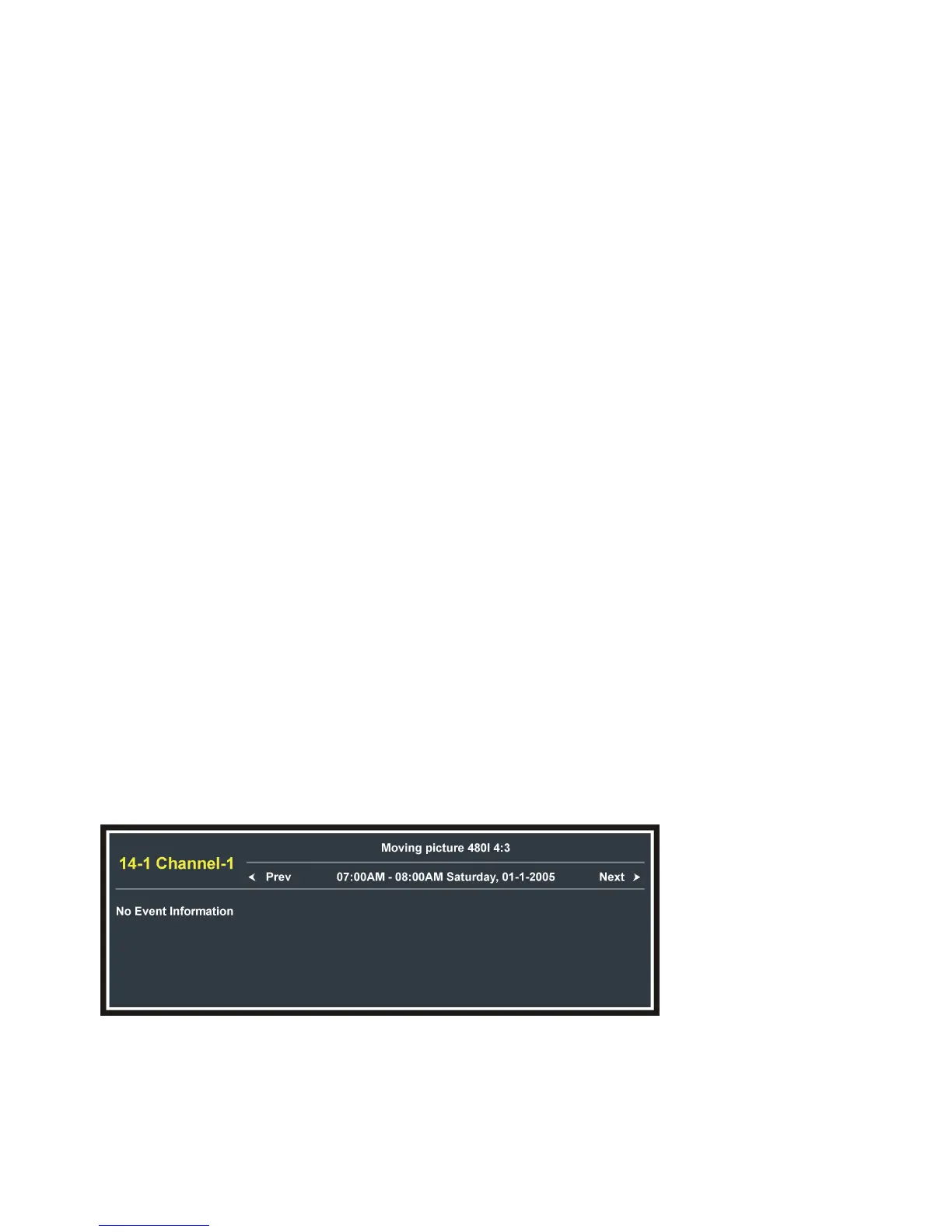
- When watching an available program, press EPG button on remote control to enter below
- Press LEFT or RIGHT navigation button to view previous or next page.


 To Next Page