- When watching an available program, press CC button on remote control repeatedly to
Available options: CC Off, CC On, CC on Mute.
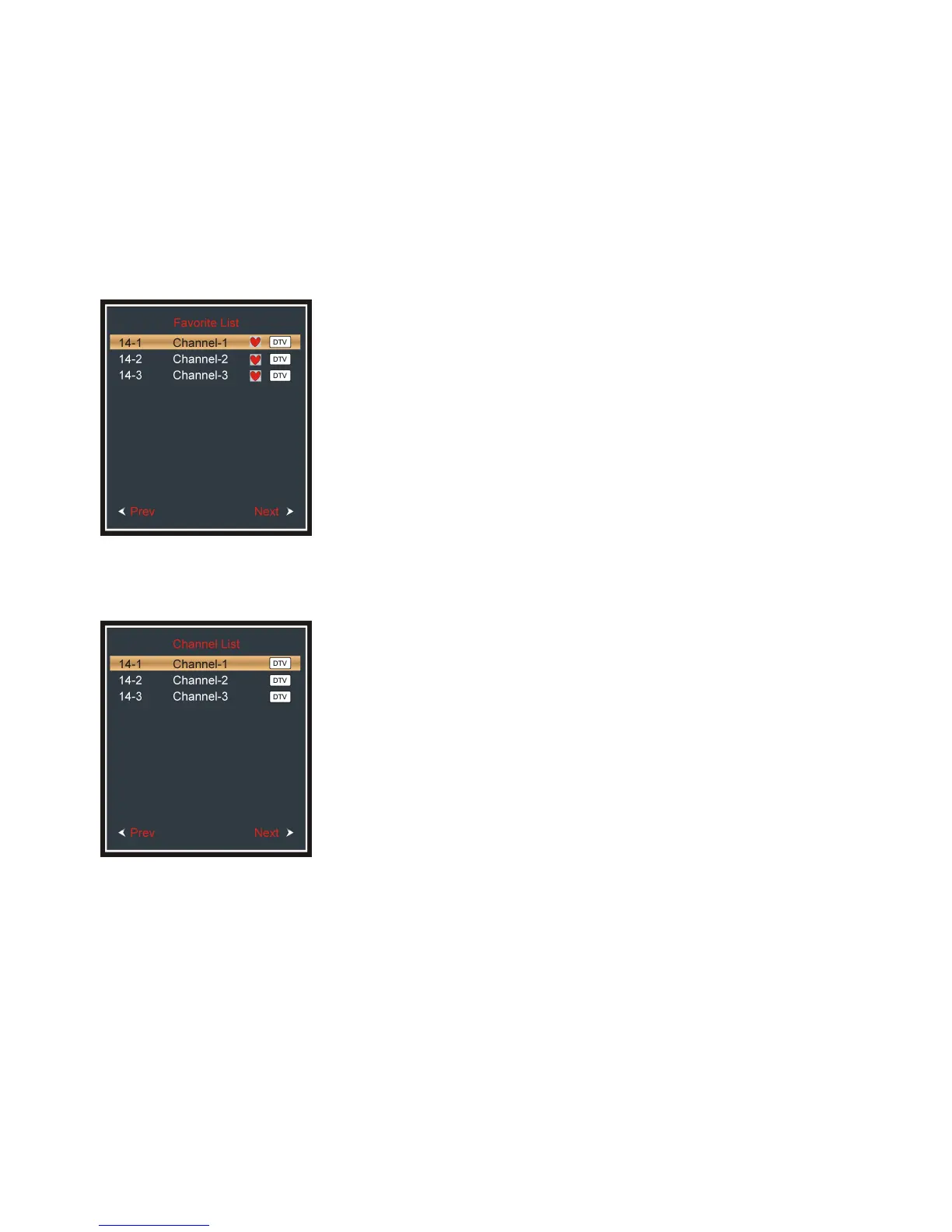
- When watching an available program, press FAV button on
remote control to enter FAVORITE LIST menu page.
- Press navigation buttons to select desired channel.
- Press ENTER button to confirm selection.
- When watching an available program, press CHLIST button
on remote control to enter CHANNEL LIST menu page.
- Press navigation buttons to select desired channel.
- Press ENTER button to confirm selection.


 To Next Page