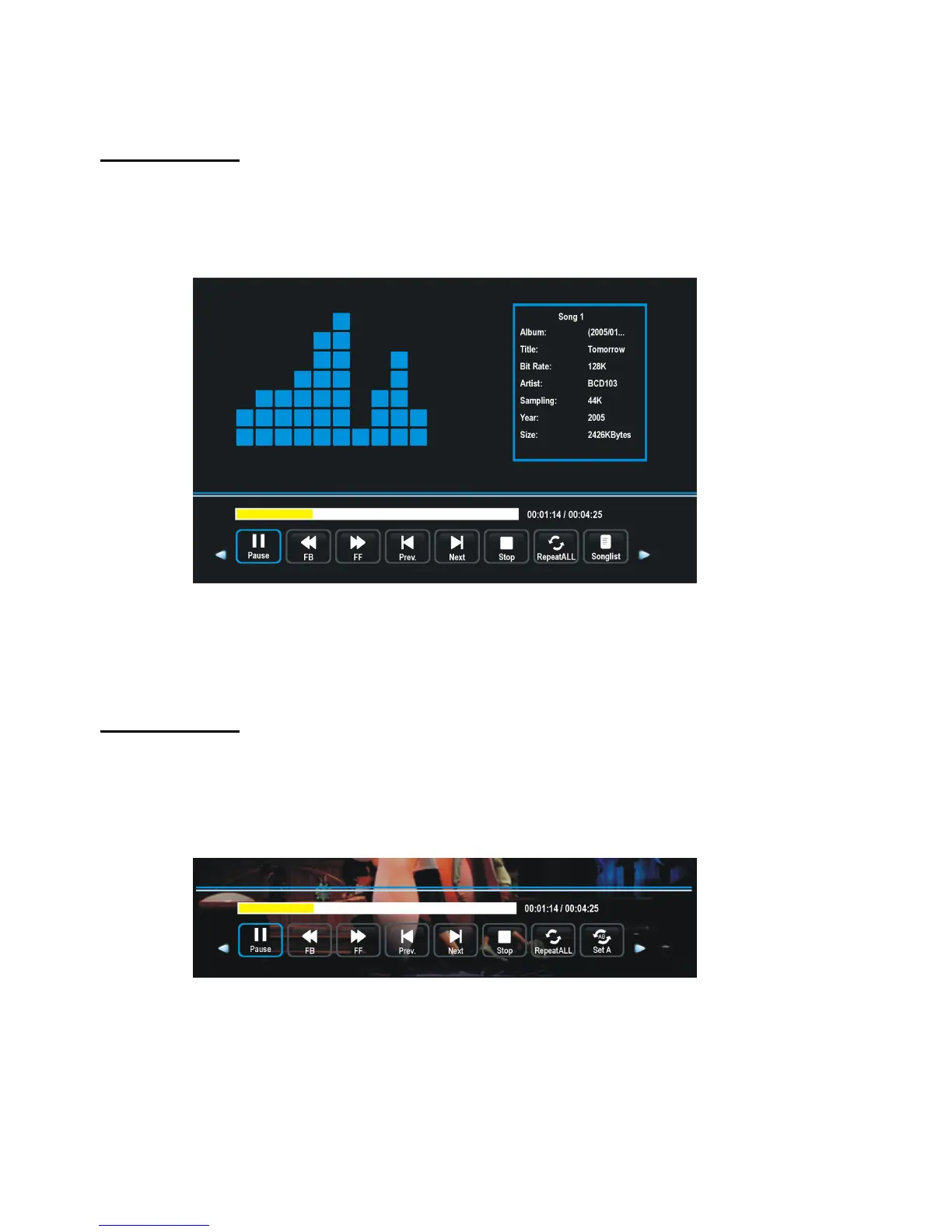
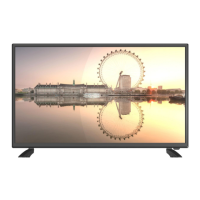
- Press EXIT button to hide tool bar, and then press ENTER button to display tool bar again.
- Press EXIT button to return to previous menu page.
- Select MUSIC in the main menu and press ENTER button to enter it.
- Then press ENTER button to enter disc C.
- Press navigation buttons to select the music file that want to play, and then press ENTER
button to start playback.
- Press LEFT or RIGHT navigation buttons to select preferred option, and then press
ENTER button to confirm it.
- Press EXIT button to return to previous menu page.
- Select MOVIE in the main menu and press ENTER button to enter it.
- Then press ENTER button to enter disc C.
- Press navigation buttons to select the movie file that want to play, and then press ENTER
button to start playback.


 To Next Page