SPHINX Project Ten
4
3. THE AMP AT A GLANCE
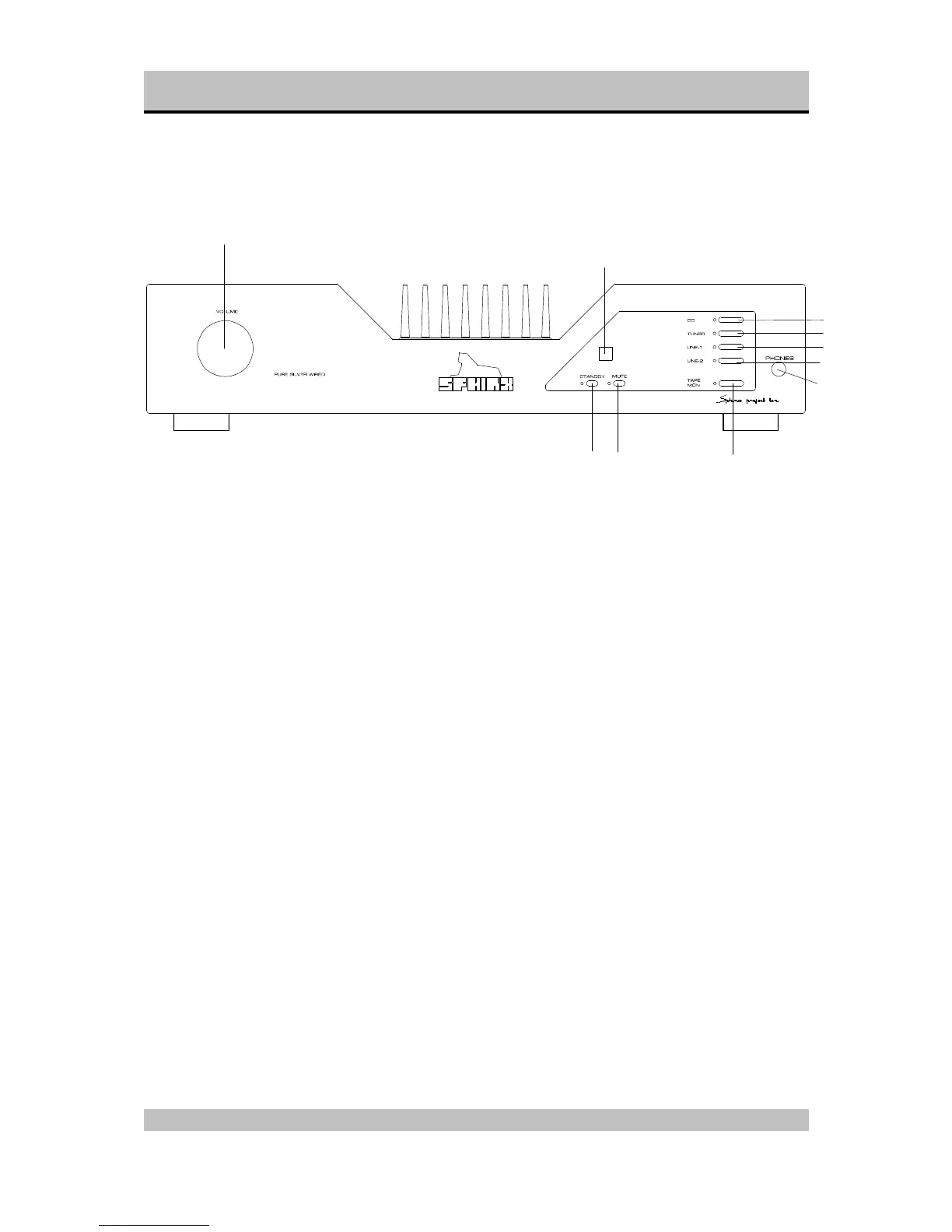
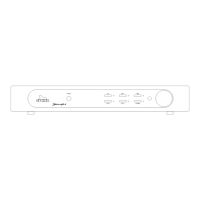
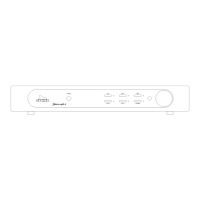
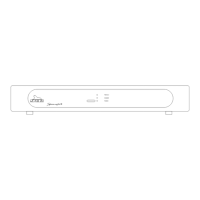
Front panel
1. VOLUME: With this motor controlled knob you
may adjust the volume of the loudspeakers.
The volume can be controlled manually or via
the optional remote control.
2. STANDBY: To switch the component on and off.
When the component is 'off' (standby) this is
indicated by the red LED.
When the component is active the LED will be
green.
3. Sensor window for the IR signal from the remote
control
4. MUTE: Press this button to temporarily mute the
sound. The red LED will light.
5. CD: To select the CD input.
6. TUNER: To select the TUNER input.
7. LINE 1: To select the LINE 1 input.
8. LINE 2: To select the LINE 2 input (cinch or
balanced).
9. TAPE MON: To select the TAPE IN input.
As soon as you have pressed one of the buttons
5. to 9. the corresponding red LED next to it will
light.
10. PHONES: To connect dynamic stereo
headphones.
1
2
4
5
6
7
10
8
9
3



 To Next Page