3.2 Connect a mobile device
The app enables you to wirelessly connect to the Spider. You need to install the Spidertracks
app from either the Apple
®
App Store
®
or Android™ Google Play store.
The first time you use the app you will be prompted to login using the same email address
and password for the account you created on the Spidertracks website.
To connect to the device select More > Spider Connection, then select your aircraft from the
list of available Spiders. If you are unable to connect refer to 4.3 Troubleshooting.
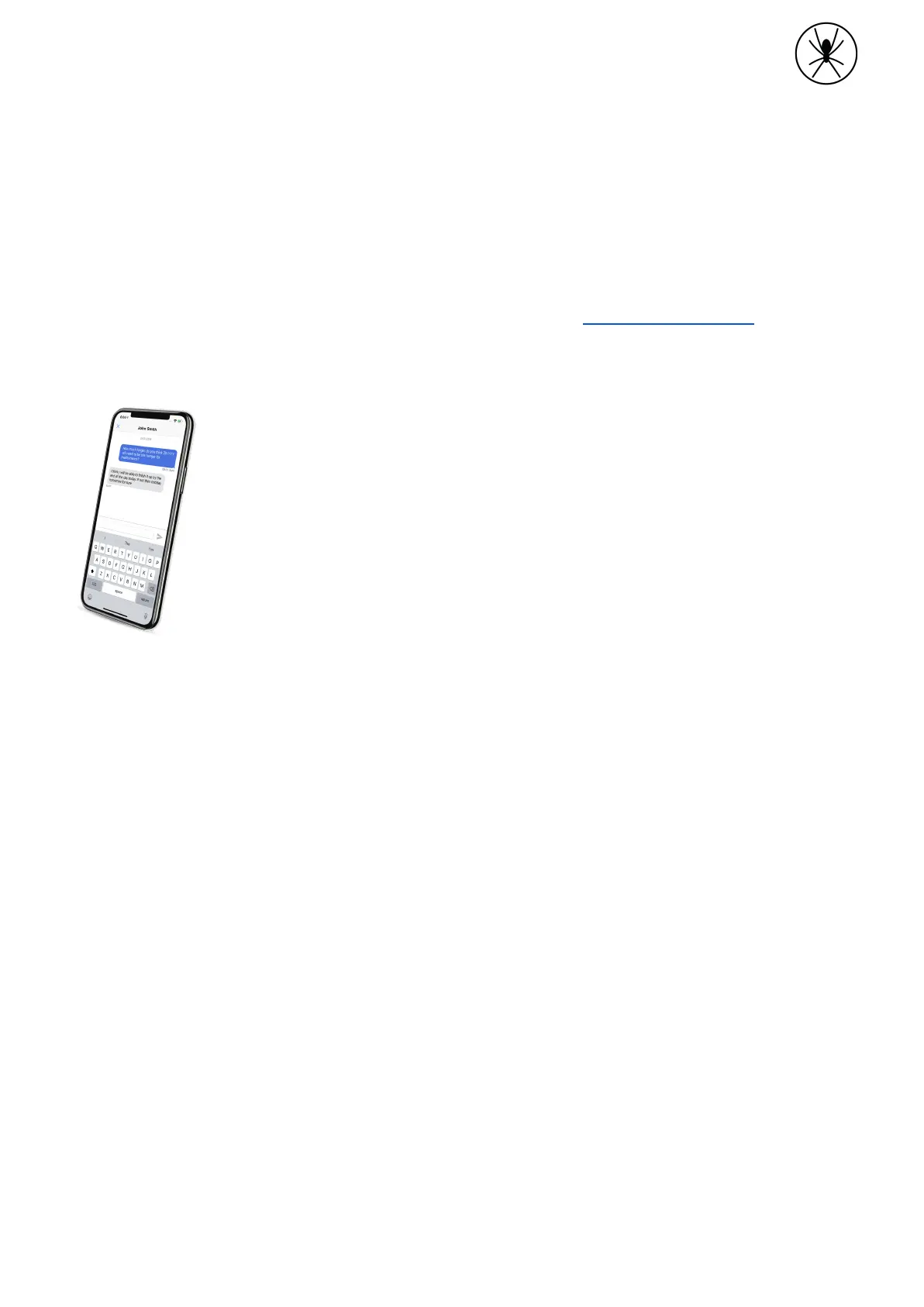
Spidertxt
To use Spidertxt its needs to be enabled on your account.
● Anyone in your account can send and receive messages to other
members of your account.
● Spidertxt prioritises using wifi, cellular data, then the Iridium
satellite network.
● Messages sent over Iridium can take longer than messages sent
over cell.
● See support.spidertracks.com for more information on the setup
and use of Spidertxt.


 To Next Page