2.1 Activate
You need to activate your Spider before it can be used. Please refer to the step-by-step
instructions available at support.spidertracks.com.
A. Create your account
Before you can activate your Spider you need to have created a user account, organisation
and aircraft at app.spidertracks.io.
B. Register the device
Once your account has been created you need to register your device and assign it to an
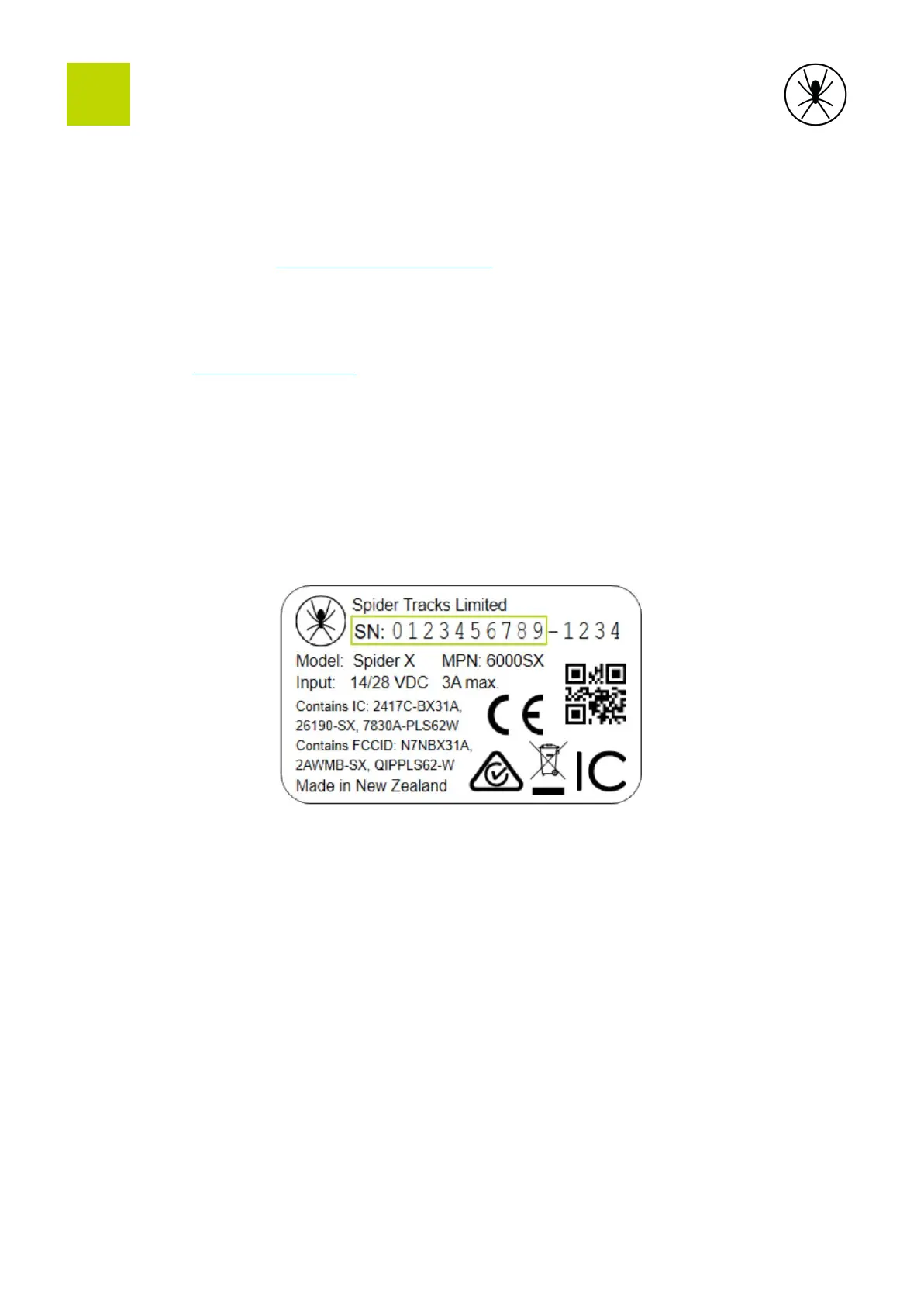
aircraft. For this step you need the 10-character serial number that is located on the base of
the device.
C. Confirm setup
To confirm the Spider setup you should power it with a clear view of the sky. If successful,
the status light will illuminate green within 5 minutes. Check that the aircraft appears in
your account.
7


 To Next Page