3.1 Operate
When powered, the Spider will automatically connect, no interaction is required from the
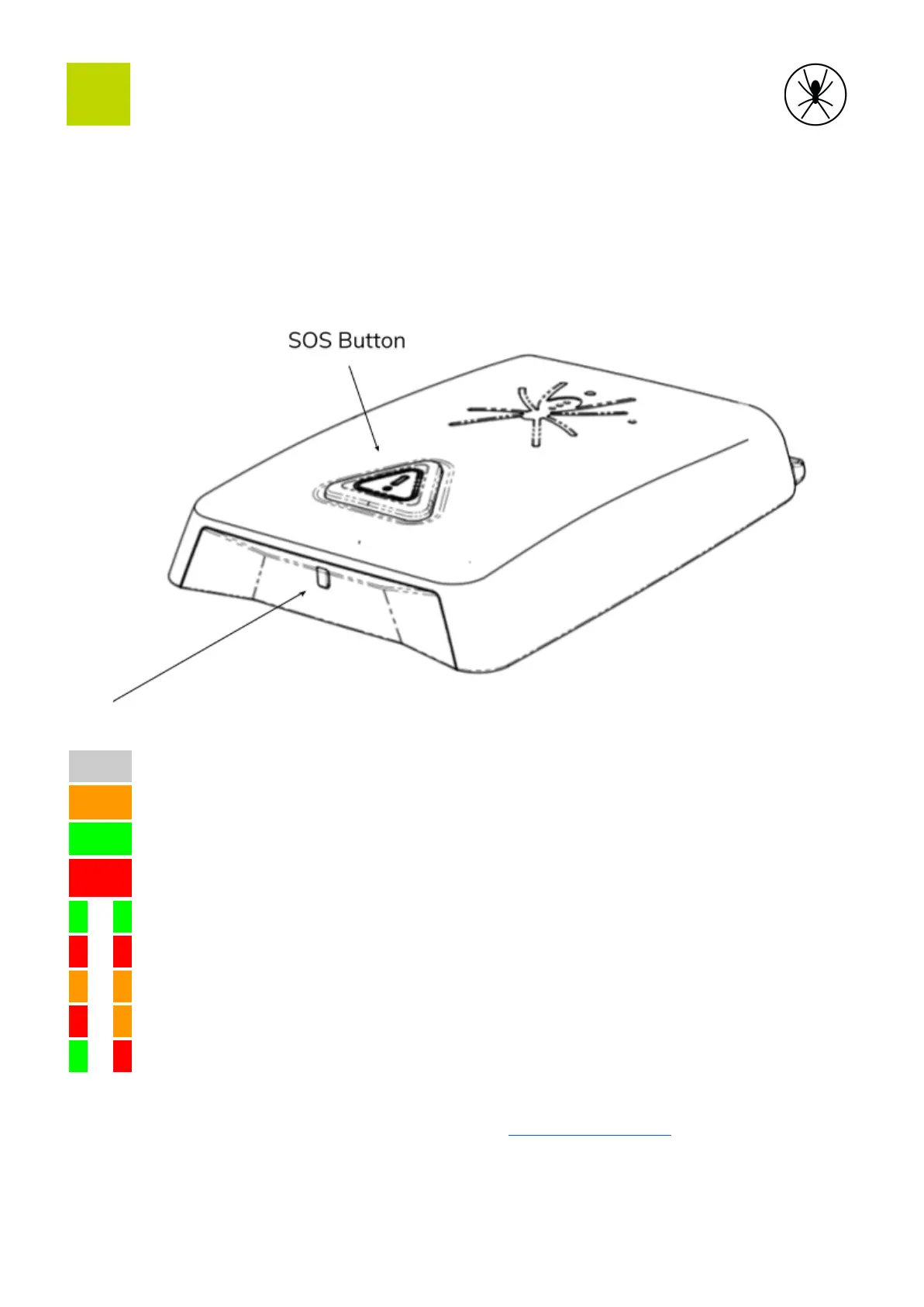
pilot or crew. In the event of an emergency the SOS button can be pressed. The light on the
front indicates the status of the Spider as shown in the table below.
No satellite connection. It can take up to 5 minutes to connect.
On backup power, connection OK
On backup power, SOS activated
On backup power, no satellite connection.
Self-test failure, see troubleshooting guide
Software update in progress
Optional Spider settings can be configured through app.spidertracks.io. This includes
notifications for SOS, speed threshold, heading change, rate of climb or rate of descent.
10


 To Next Page