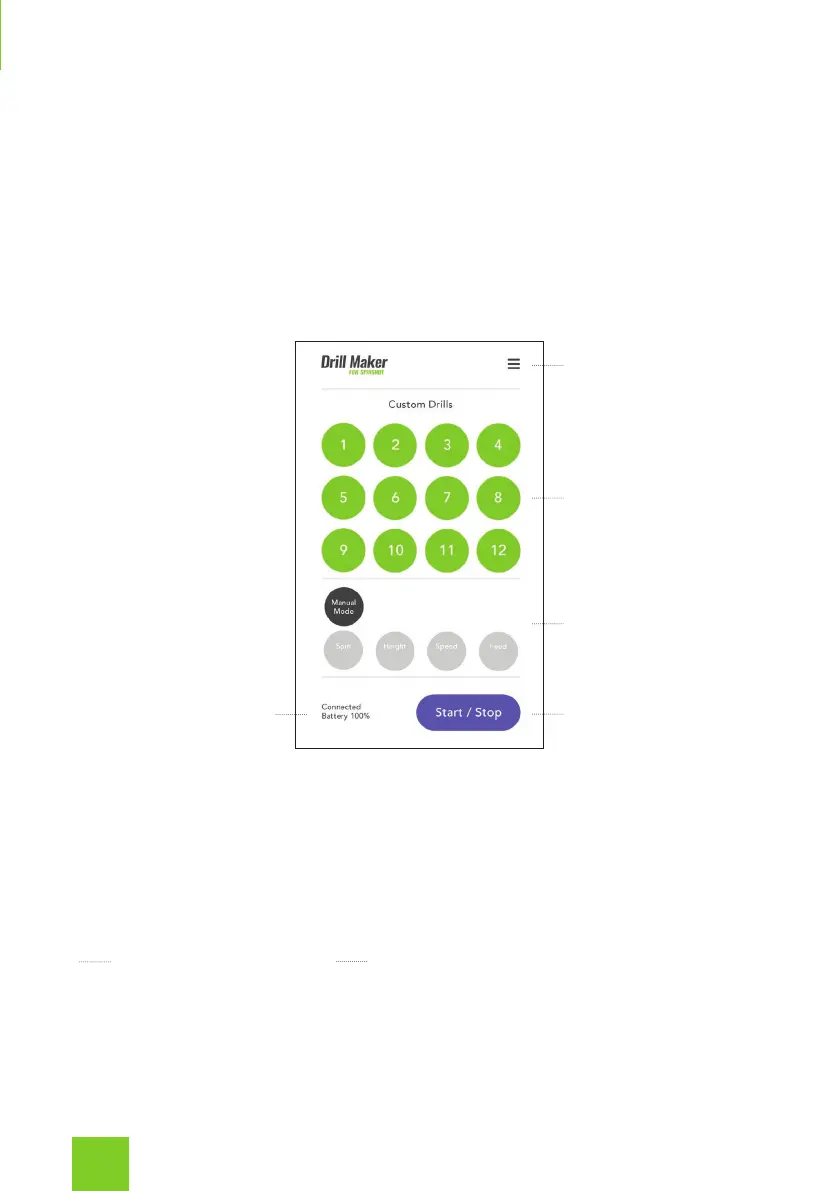
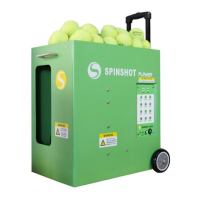
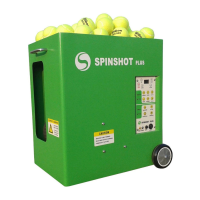
Once you are connected you can start using the app to control your
machine.
At the bottom of the screen the selected drill, connection status and battery
voltage are displayed.
If you lose WiFi connection to the machine you should check that you are
still connected to the machines WiFi network in your phone settings. Press
the Connect button to re-establish your connection.
Custom Drills
There are 12 drills available. You can use the factory settings or customize
each drill with your own preferred settings and drill name.
To select a drill press the Drill number and then press Start.
To edit a drill’s settings or name, long press on the drill number. This will
open the drill edit screen where you can change the drill settings. Please
read the Editing Custom Drills section for more details.
Custom Drills
Manual Mode
Machine / App Status Start / Stop Button
Menu
10


 To Next Page