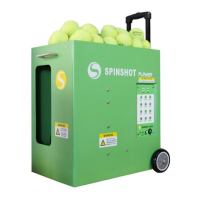
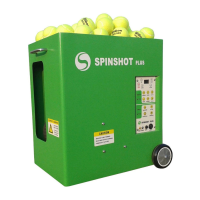
Reset Button
The reset button will activate (pop out) if the machine detects a ball jammed
inside the machine.
When activated, the reset button pops out approximately 6 mm. In the
event the button is activated, turn off the power and push the reset button
back in. Wait for the service wheels to stopped spinning and then check and
remove any balls jammed inside the machine. Turn the power back on to
resume normal operation.
Remote Watch
The remote watch is an optional upgrade. The watch requires a CR2032
battery to be tted.
Switch on the machine and then press the remote watch button to connect.
The red light will blink while the watch is trying to connect to the machine.
The red light will go out once the machine is connected.
When the button is pressed the light will ash once to indicate the command
has been sent.
If the red light starts blinking this indicates the signal has been lost and it
is trying to reconnect. If the machine is turned off the remote watch will go
into sleep mode.
The remote watch can be used to start and stop the ball feed and control
the machine’s horizontal oscillation.
START / STOP BALL FEED
A long press (over two seconds) on the remote watch button will start and
stop the ball feed.
START / STOP OSCILLATOR
Switch the Oscillator on at the control panel. Then use a short press on the
remote watch button to stop and start the Oscillator. The Oscillator can not
function unless it is rst turned on at the control panel.
4



 To Next Page