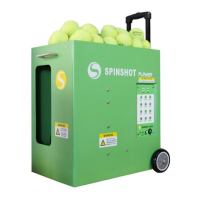
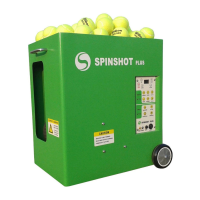
Maintenance and Cleaning
Shake off excess sand and dirt from the tennis balls before putting them into
the hopper. The build up of debris in the hopper can cause excess wear on
the feeder motor which powers the spinning of the feeder tray.
Use a vacuum cleaner to clean dirt, sand and debris from the inside of the
machine and in and around the black feeder tray.
Remove any balls that are inside the machine as these can become jammed
against the service wheels and cause the machine to stop.
To clean the exterior case, use a damp cloth. Do not use chemicals or
abrasive cleansers.
The use of compressed air for cleaning is not recommended.
Annual Maintenance
We recommend cleaning the ball throwing wheels every year or after
150 hours of use especially when the machine is not throwing the balls
consistently.
Clean the ball throwing wheels only when the machine is powered off. Firmly
rub coarse sandpaper across the throwing wheels to remove the dirt and
ink build-up. Sand the entire circumference of each wheel and use enough
pressure to rough-up the rubber surface of the wheels.
7
Maintenance & Trouble Shooting



 To Next Page