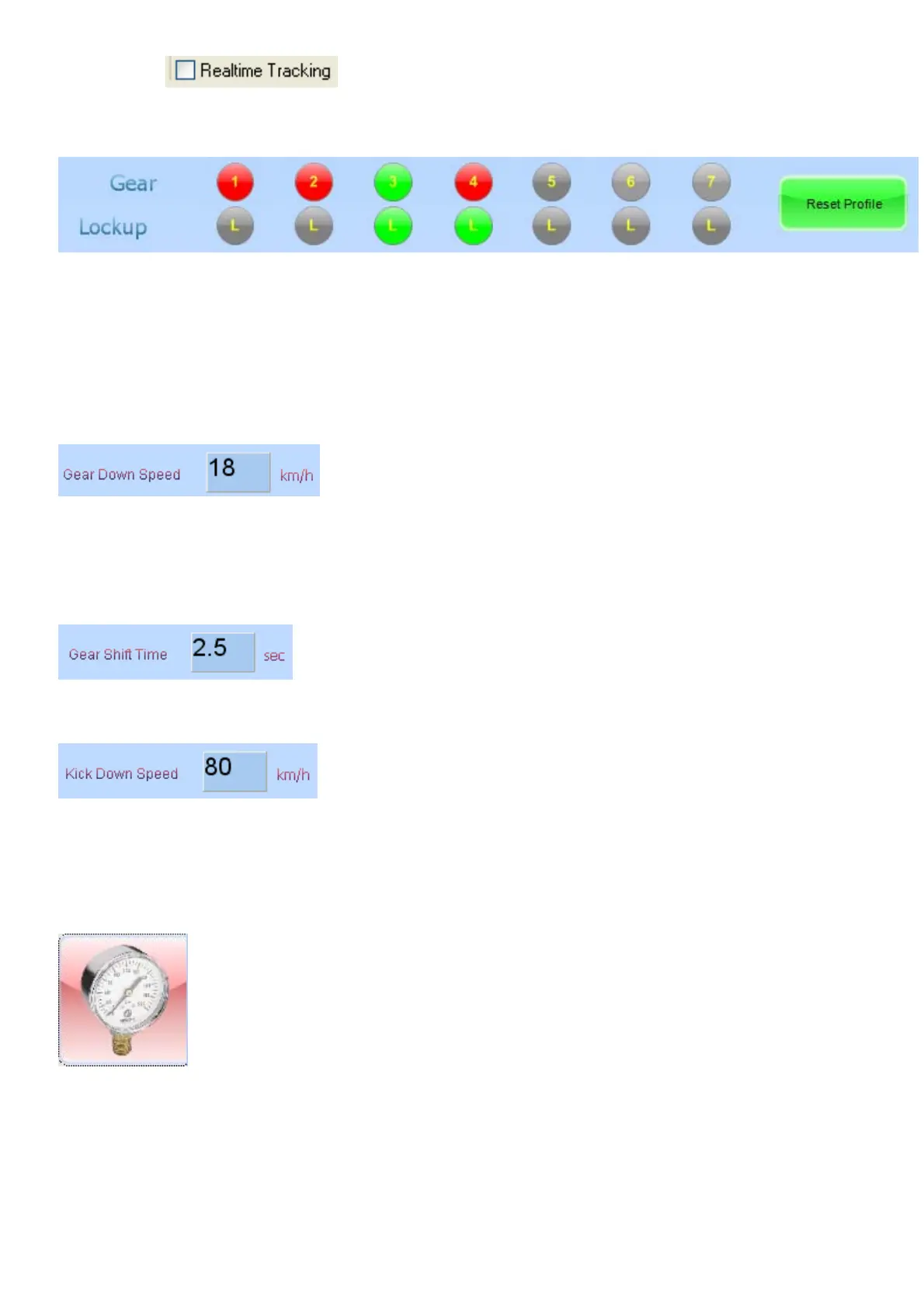
If Real Time is active, these profiles will change as shifts in the transmission
takes place. This will allow the operator to view each profile as the transmission progress through
the gears.
This Gear bar indicates which Gear is selected at the time, (the Green indicator) and the red
indicates how many forward gears are in the transmission.
The Lockup bar indicates in which gears the Lockup Clutch is allowed to be engaged (Green
allowed and Grey not allowed).
Reset profile is used when tuning starts from scratch when there are no profiles in the TCU.
If Real Time is not active, you can click on these Indicator dots to go to that gear profile or to
engage or disengage the Lockup for that gear position.
When the road speed falls below this value the, the TCU will gear down regardless of the RPM
value. This is useful if gears have free wheel clutches like in the Lexus transmission 1
st
and 2
nd
gear. In 1
st
gear this block is used as an up gear function. This means that when the speed goes
above this value, the TCU will select 2
nd
gear. This is useful again for the Lexus so that when the
car increase speed on a downhill, it will slect the second gear at the appropriate speed.
When gear changes occur the TCU will wait for this time to pass before attempting another
change.
When the vehicle speed is below this value and TPS value is above the down shift high dot value,
then the TCU will shift a lower gear. This shift is immediate and not affected by the Gear Shift
Time. This is useful for the TCU to shift 2 gears at a time.
6.8.2 Line Pressure (Alt 2)



 To Next Page