Operation
Source Selection
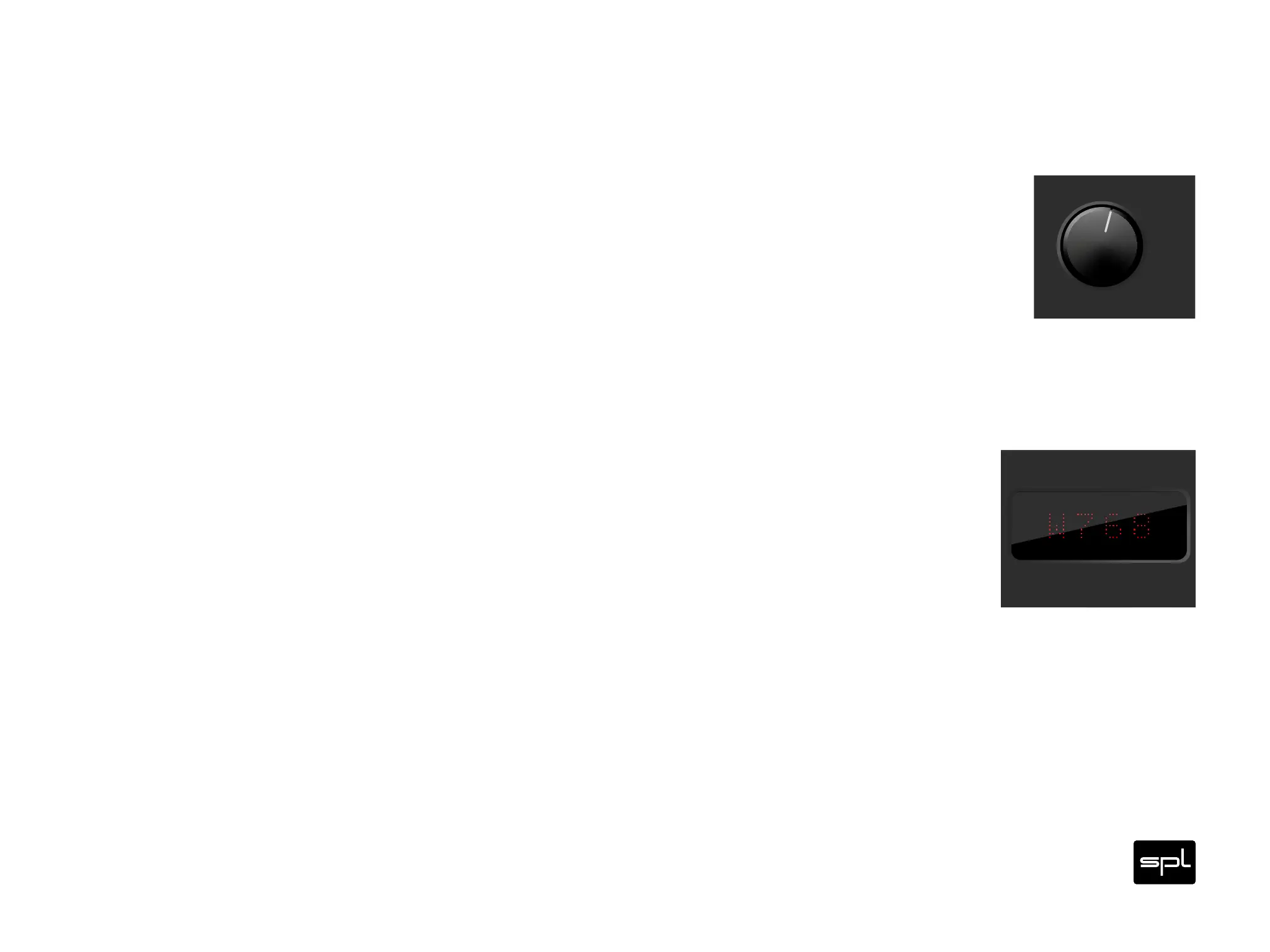
With the Source switch () you select the source – USB, Coax , Coax , Optic , Optic or
AES.
Display
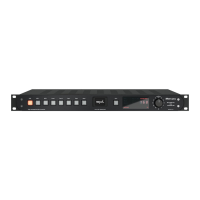
After selecting a source, the name of the selected source is first shown in the display ()
for two seconds (USB, COA1, COA1, OPT1, OPT2, AES).
Two seconds after selecting a source, the display shows further information – depending
on whether the clock of the selected source or an external word clock is used.
If no signal or no word clock is present, error messages are shown in the display.
Diamond
Digital to Analog Converter
120V DC Audio Rail
ONWord
CLOCK
Source
Coax 1
Coax 2
Optic 1
Optic 2
AES
USB
PCM76832BIT DLP120DSD4
V
O
L
U
M
E
Digital to Analog Converter
120V DC Audio Rail
ONWord
CLOCK
Source
Coax 1
Coax 2
Optic 1
Optic 2
AES
USB
PCM76832BIT DLP120DSD4


 To Next Page