DrumXchanger Analog Code
®
Plug-in
29
Control Elements
OUTPUT Module
Output
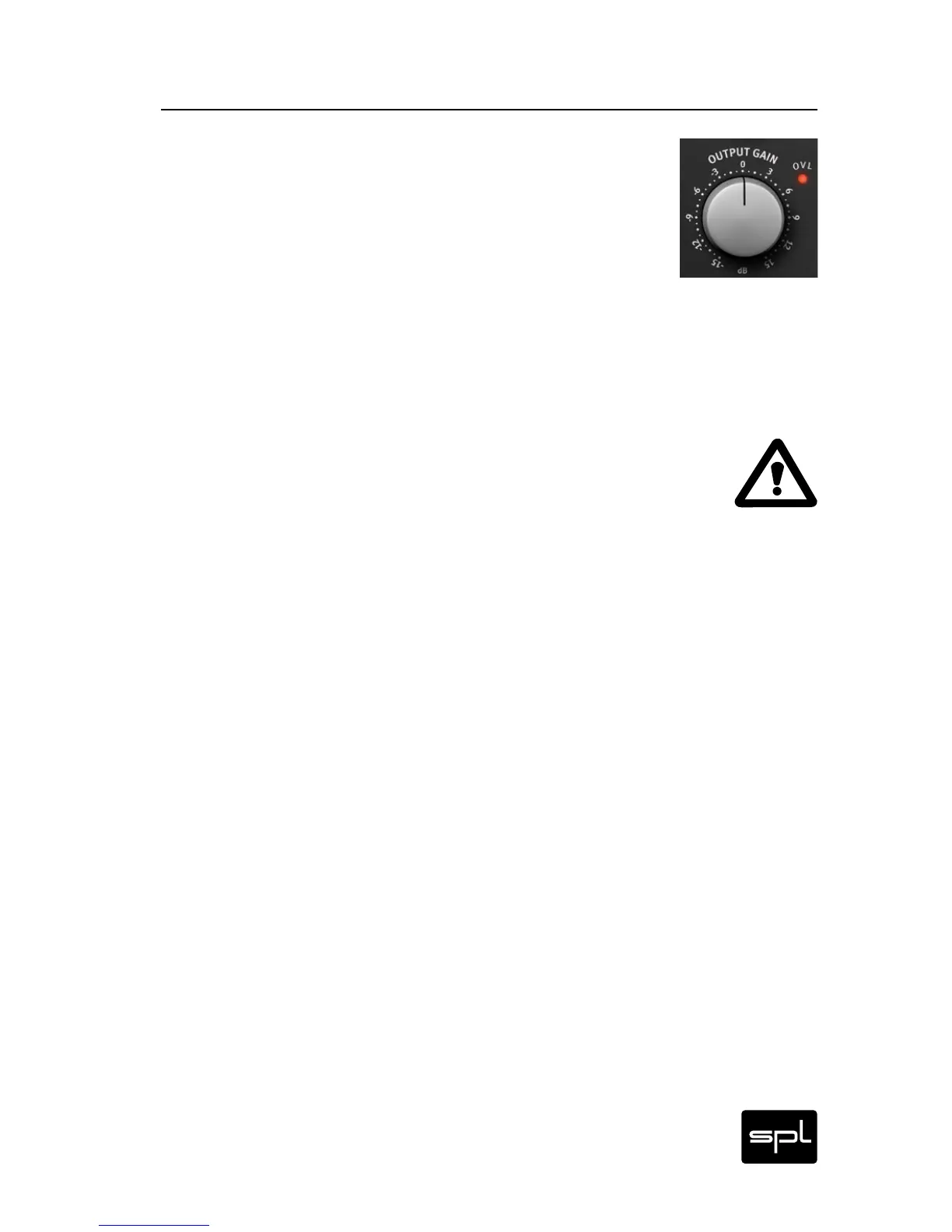
The OUTPUT control reduces or increases the output level.
The level ranges from -15 dB to +15 dB.
The 0 dB mark is set at the center position (12 o’clock).
Generally speaking, you will need to reduce the level, consid-
ering that the DrumXchanger processing tends to increase it. Sup-
posing you mix a sample with an already hot snare drum recording,
or that it might be necessary to emphasize the ATTACK in the Origi-
nal and Sample modules, you can almost take for granted that the
output signal will overload (OVL LED blinks). If this were the case,
reduce the OUTPUT level.
IMPORTANT: Use the OUTPUT control to take full advantage of
the dynamic range available, but try to avoid distortion. The OVL
(Overload) LED next to the OUTPUT control can be a very useful
reference. This LED indicates overloading is occurring at the plug-
in’s output, which might result in distortion. The OVL LED should
never turn on. If it does, turn the OUTPUT level control down until
it turns off again.


 To Next Page