4
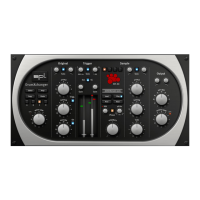
DrumXchanger Analog Code
®
Plug-in
Plugin Alliance Activation
Your Analog Code plug-in must be activated in your Plugin Alliance
account. You can set it up and log into your account anytime at
http://www.plugin-alliance.com
For details about the activation process, read the Plugin Alliance
Activation Manual. The PDF file is stored in the same folder of your
computer like this product manual file.
Alternatively, the following web page provides the same informa-
tion: http://www.plugin-alliance.com/activation
System Requirements and Compatibility
For details about system requirements and supported platforms or
formats visit http://www.plugin-alliance.com/compatibility
MAC and Windows Installation
1. Check for the latest plug-in software version before installation:
http://software.spl.info/download
2. Execute the installer file and follow the instructions.
Installation


 To Next Page