9
Qlip
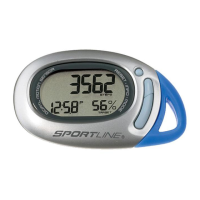
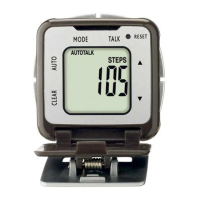
SETTING THE PEDOMETER FUNCTIONS
SETTING TIME
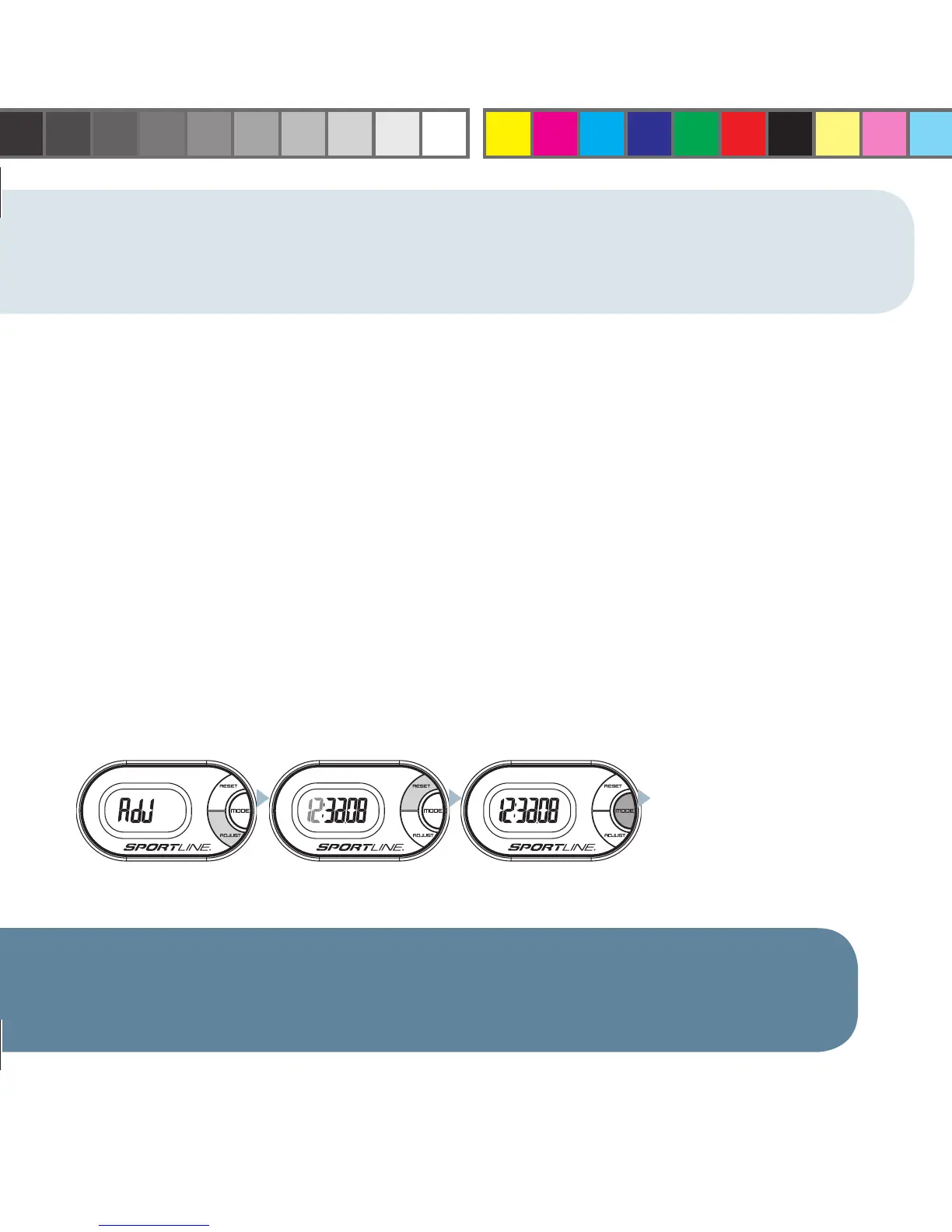
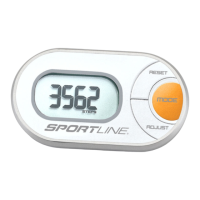
1. PRESS & HOLD the ADJUST key in Time Mode to access the programming sequence.
2. Adjust Hour by PRESSING the RESET key.
3. Set Hour and advance to Set Minutes by PRESSING the MODE key.
4. Adjust Minutes by PRESSING the RESET key.
5. Set Minutes and advance to Set Seconds by PRESSING the MODE key.
6. To adjust Seconds, PRESS the RESET key to reset Seconds to 00. Advance to select 12- or
24-hour format by PRESSING the MODE key.
7. Toggle between 12- or 24-hour format by PRESSING the RESET key.
8. When all settings are programmed, PRESS the MODE key to return to Time mode.
TIP: Pressing & Holding the RESET key in any Setting Sequence will fast advance the variable being set.
PRESS & HOLD ADJUST ADJUST: PRESS RESET SET: PRESS MODE
CONTINUE THROUGH
ALL FIELDS. PRESS THE
MODE KEY TO RETURN TO
OPERATING MODE
WV4405IS01SPT.indd Sec2:9WV4405IS01SPT.indd Sec2:9 7/9/08 10:04:51 AM7/9/08 10:04:51 AM





 To Next Page