- 11 -
Panel buttons and functions
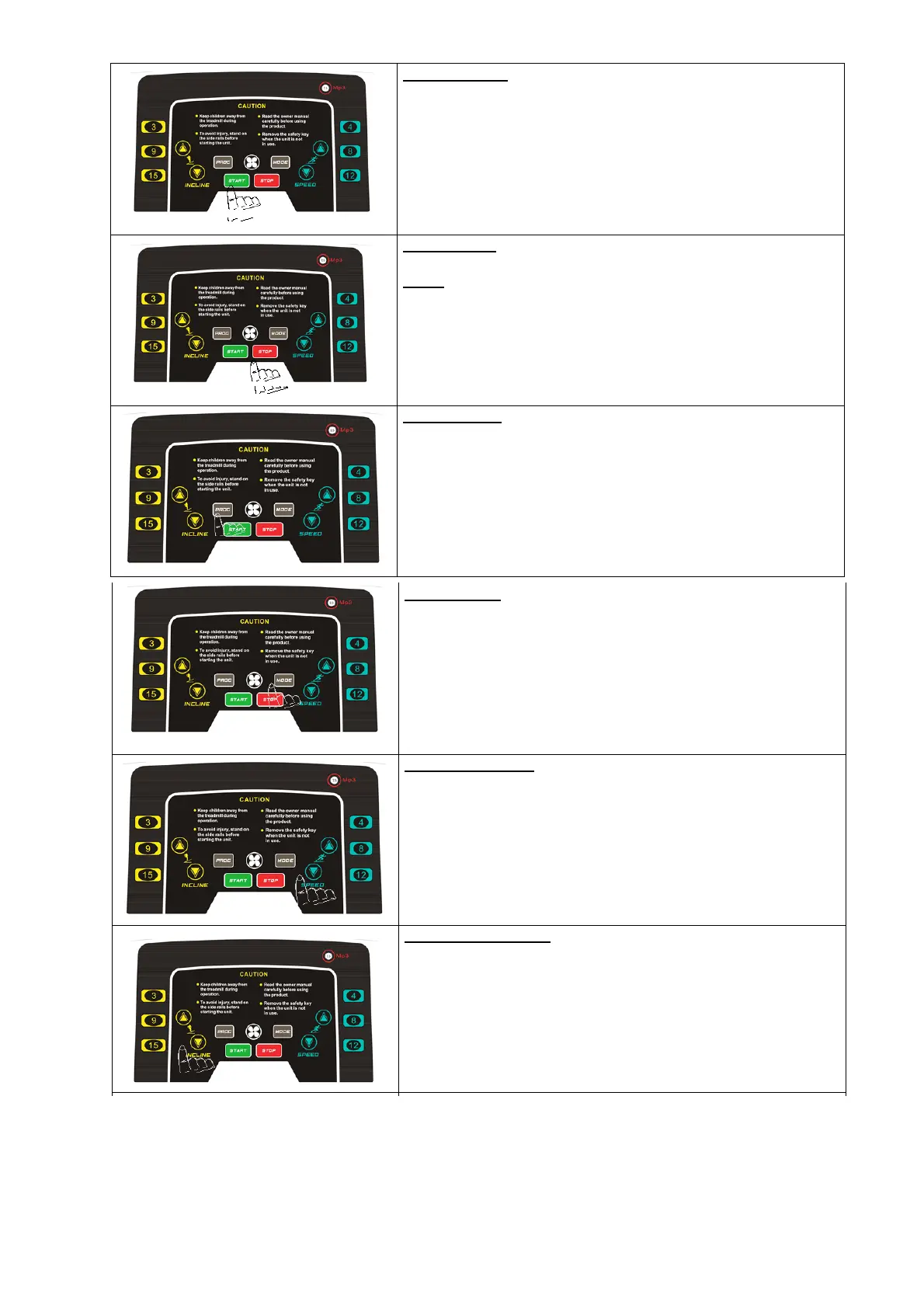
START button:
Press “Start” button, the system will count down in 3 seconds, which
displays on the screen! The machine will run at the speed of 1.0km/h.
STOP button:
Press this button to stop the running machine.
Reset:
Press “Stop” button for a while to reset the machine.
PROG. Button
In ready condition, press “PROG” button to select programs from P1-
P99.
P1-P99 are built-in programs.
After finish selection, press “Start” button to start the machine!
MODE button
In ready condition, press “MODE” button to select from Time,
Distance and Calories count-down modes.
After finish selection, press “Start” button to start the machine!
SPEED △ ▽ bu tton
In ready condition, buttons are used to adjust preset-data.
In running condition, buttons are used to adjust speed, and the adjusting
range is 0.1km/h each time. Keep pressing buttons for over 0.5 second,
the speed will continuously increase or decrease.
INCLINE △ ▽ b u tton
In ready condition, buttons are used to adjust preset-data.
In running condition, buttons are used to adjust incline, and the
adjusting range is 1% each time. Keep pressing buttons for over 0.5
second, the incline will continuously increase or decrease.





 To Next Page