32
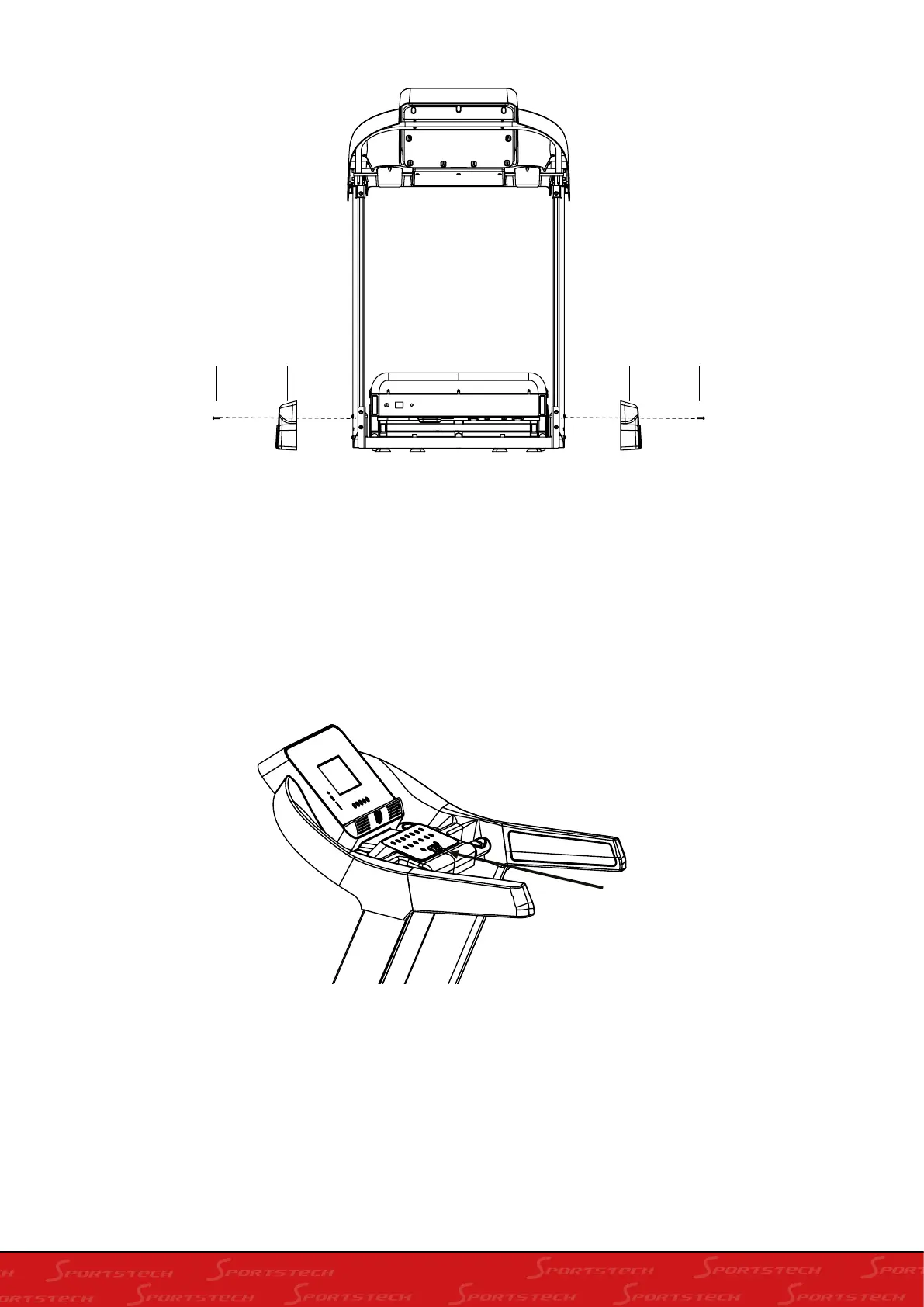
S4 S8 S4S8
Step 3 Installing the Covers
Secure the cover (S8) to the upright frame with one Hex Bolt (S4) both sides, tighten the bolts with
Multi Hex Tool with Philips Screwdriver (S5) provided.
EMERGENCY STOP
SAFETY KEY
Before beginning a workout session ensure that the Safety Tether Key is properly placed onto the
Computer Console and the Safety Clip is securely attached to an article of your clothing. If you fall the
clip will pull out the SAFETY KEY from the Computer Console and the running belt will stop immedia-
tely for emergency stop, helping to prevent injury. Replaced the Safety Tether Key onto the Computer
Console. Press the START button to begin exercise again.



 To Next Page