89
4). When the treadmill is running, with the Back button , you can go back to the home screen,with “ ” you
can enter into Settings.
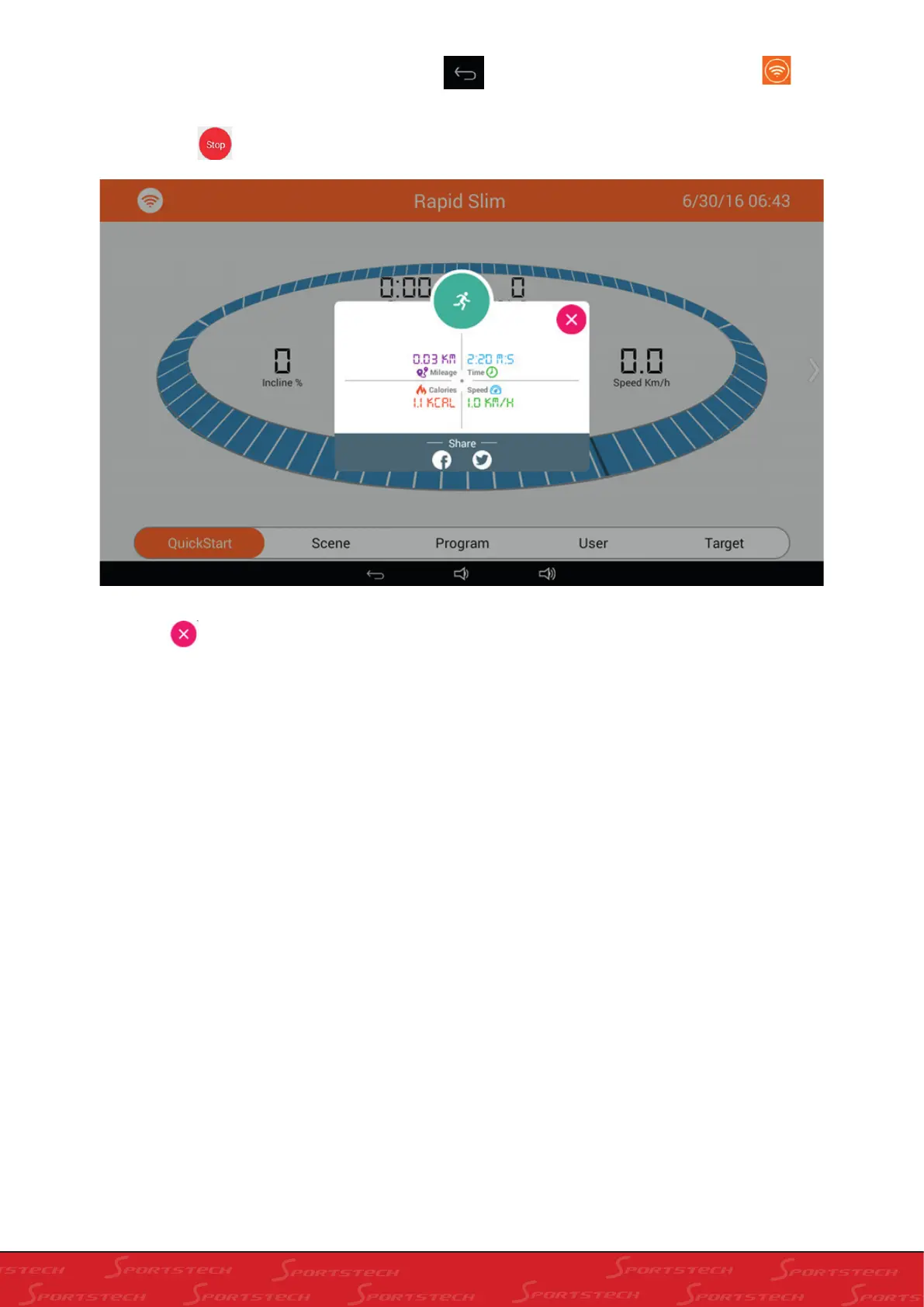
5). Press Stop
, the treadmill slows down and will show the score of the running as below:
6). Press “
”, exit Running Result, you can also share the result to “Facebook” or “Twitter”. Please refer to
Section 5 for details (Running Result Sharing).



 To Next Page