90
5. SCENE MODE APPLICATION AND DESCRIPTION
1) Function instruction: in Scene mode, you can experience Real scene fitness .
2) Operation
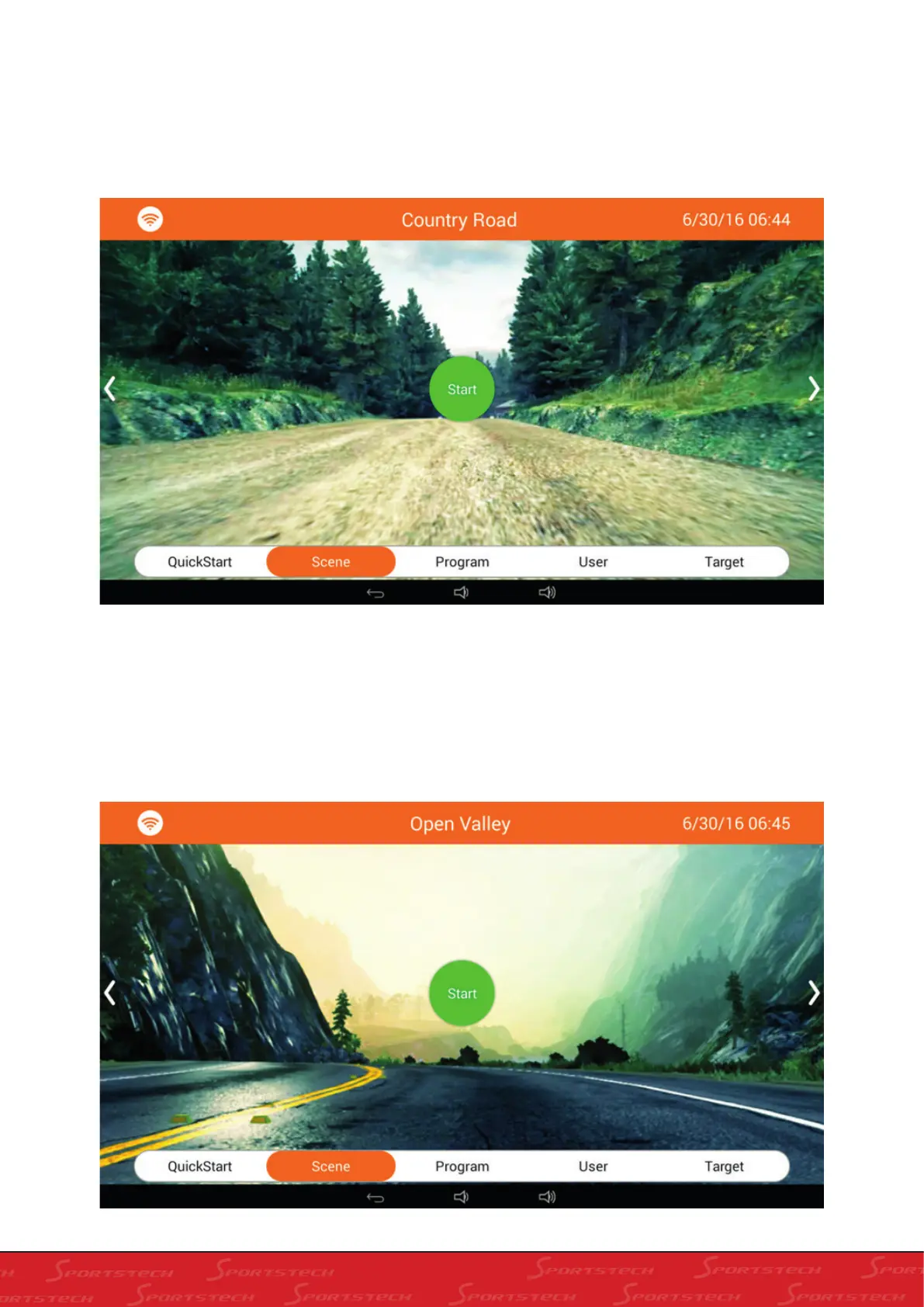
a. In Home screen, click “Scene” to enter into Real scene experiencing screen as below:
b. Slide real scene window left and right to switch among different scenes, i.e.: Country Road, Open Valley and City
Street.
a). Country Road as below: (Distance Countdown is 2km. The equipment will stop when you finish the distance and
you can also press Stop midway to stop)
b) Open Valley as below: (Distance Countdown is 3km. The equipment will stop when you finish the distance and you
can also press Stop midway to stop)



 To Next Page