98
a. At the beginning the calorie is “50”, the Calories Countdown is “20~990”.
b. Press Back to exit program mode in the screen.
c. Press Start to start treadmill motor and begin Calories Countdown
d . Speed and slope of current section can be adjusted manually (in the same manner as “Customised Fitness”
adjustment).
e. When Calories Countdown is “0”, treadmill automatically stops; you can also press Stop to end program in
advance to stop.
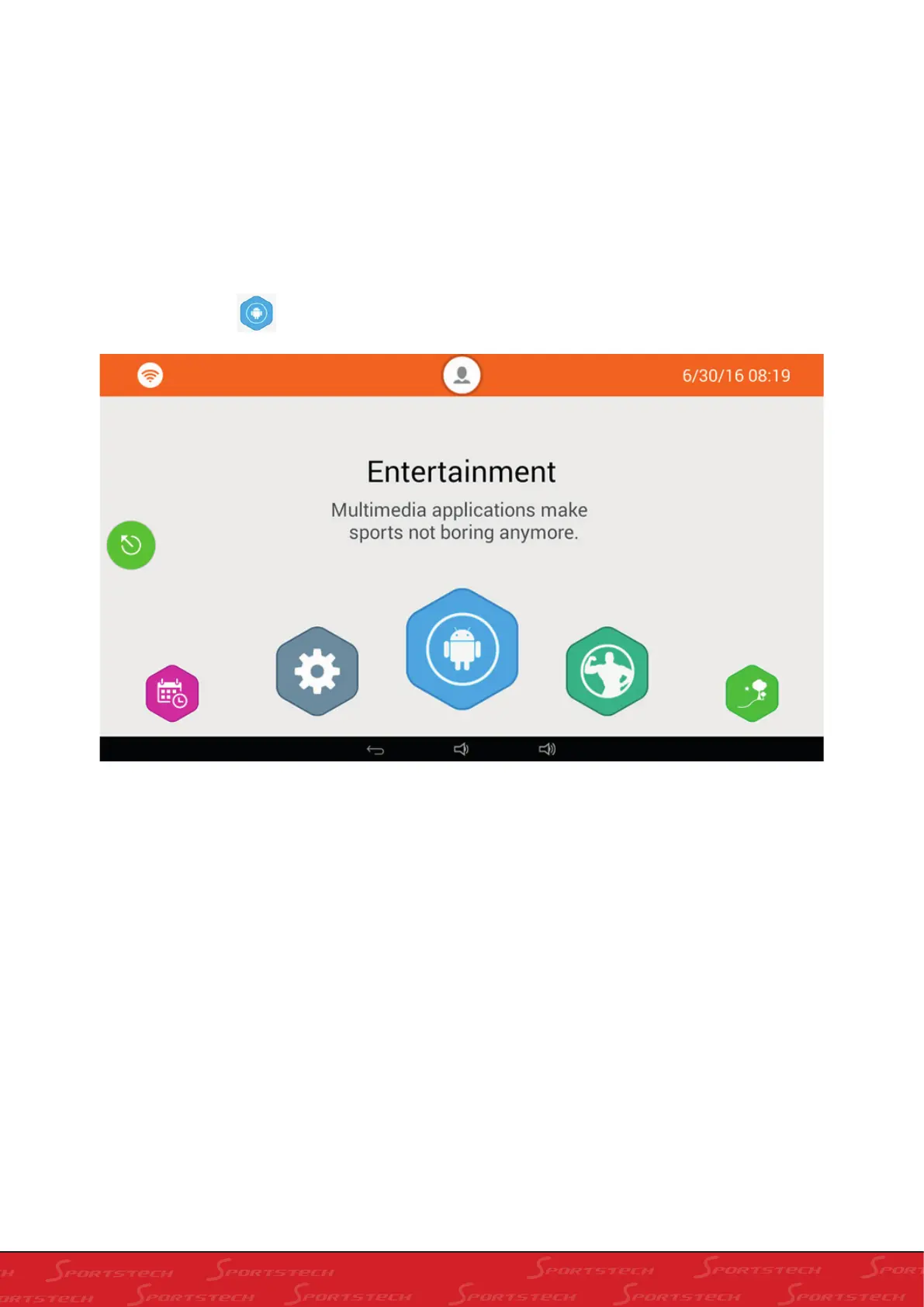
In this screen:
a. You can select different entertainment methods: sing, watch video, click corresponding icon (connection to internet
required or playing music or videos in USB flash disk)
b. Please click to have the screen as below to watch your running data:
III. ENTERAINMENT OPERATION:
Set the Enterainment in the home screen, enter into Enterainment as below:



 To Next Page