102
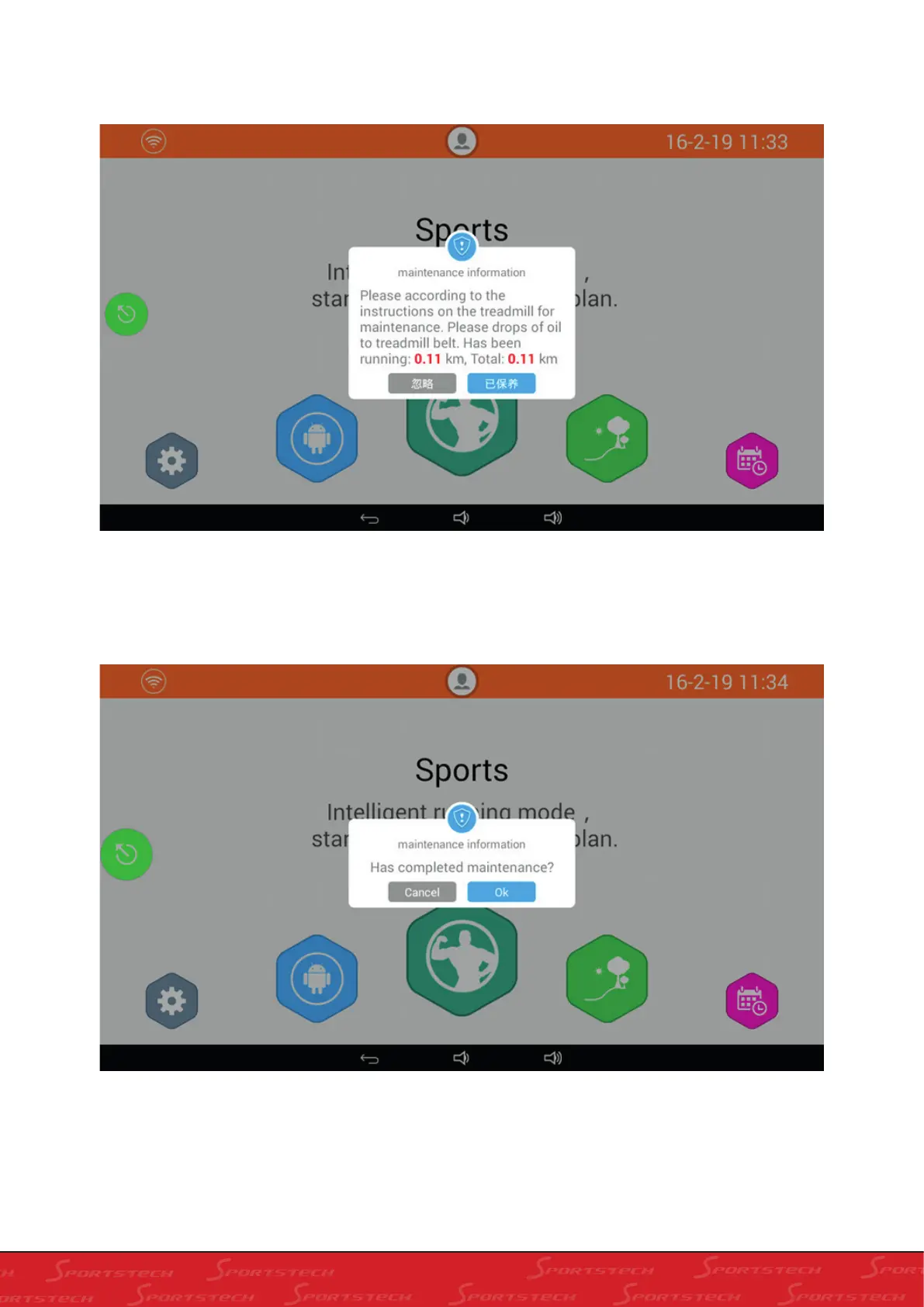
2. In the screen above, you will see the the running distance to be finished before maintenance. Click “Cancel” to
close the “Maintenance Information”; Click “Ok” to enter into the next window as below:
3. In the following dialogue box, click “Ignore” to Cancel the maintenance; click “Maintained” and the following
dialogue box will show:
4. Click “Cancel” on the above dialogue box to cancel the maintenance; click “Ok” to complete the maintenace.



 To Next Page