4 5
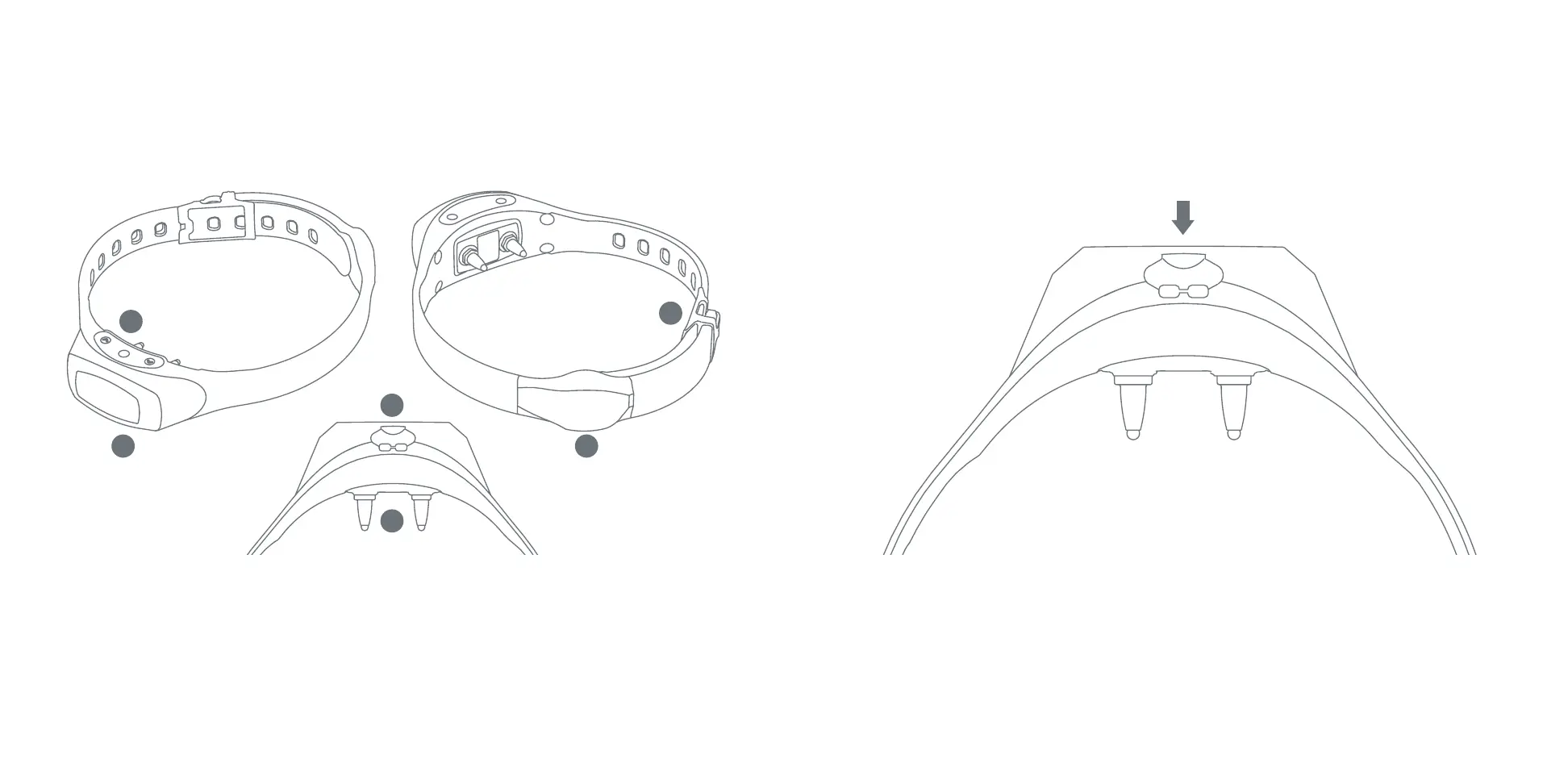
A CLOSER LOOK AT YOUR SpotOn SMART COLLAR
™
1
2
4
6
3
5
1. Multi-Color OLED Display)
2. ON/OFF & Menu Selector Buttons
3. Battery Charging Port
4. Contact Points
5. GPS Antenna
6. Collar Clasp
QUICK START GUIDE
Before setting up your SpotOn system, charge the Smart Collar’s battery to 100%. This takes about
an hour. The charging port is located on the underside of the collar, as shown above. Simply plug
one end of the USB cable into the collar’s charging port, and the other end into a computer USB
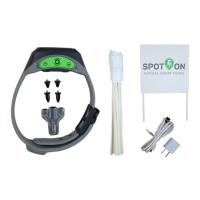
jack or the wall charger provided.
STEP 1: CHARGE YOUR SMART COLLAR’S BATTERY


 To Next Page