_____________________________________________________________________________________________
Spring Air Systems Water Wash Ventilator Maintenance Manual 11/01
12
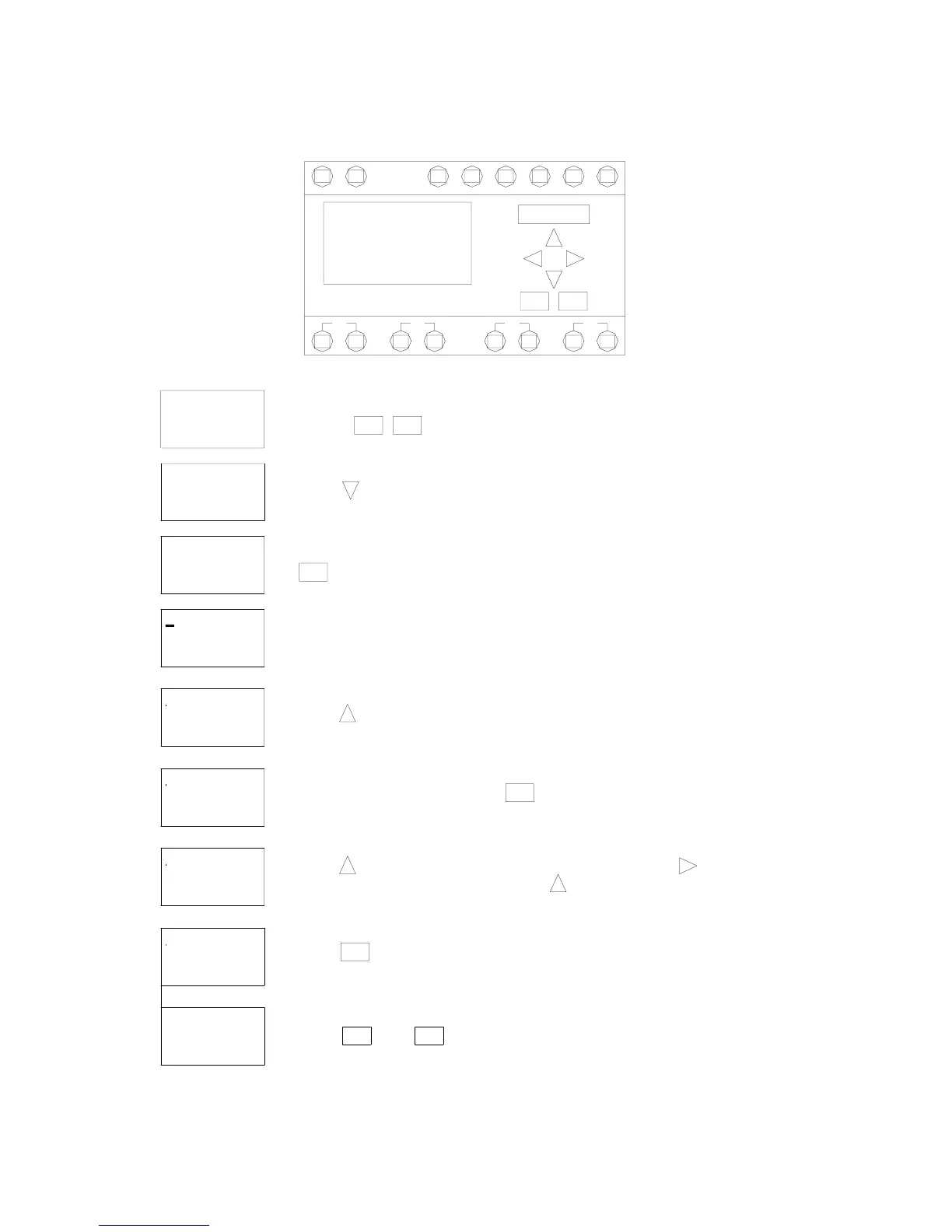
Setting the Wash Cycle Length
>Set Clock
9. Press and to return to the operating screen.
8. Press if the wash time is correct.
the length of wash in seconds. Press to change the seconds.
7. Press to change the length the wash in minutes. Press to move to the
The wash time has been factory pre-set at 2 minutes.
4. The clock has been factory set to turn the fan on at 6:00 a.m. and off
at 23:00 hours or 11:00 p.m. When the fan shuts off the wash activates.
To change these times see section "Programming the SMARTRELAY time clock.
Ta = 02:00m
Mo 09:12
I: 1 2 3 4 5 6
Q: 1 2 3 4
ESC ESC
T = 02:30m
T = 02:30m
Ta = 02:00m
Ta = 02:00m
T = 02:00m
T = 02:00m
Ta = 02:00m
Set Param
Off = 23: 00
On = 06: 00
D = MTWTFSS
B04: No1
>Set Param
Set Clock
B01: T
B01: T
B01: T
B01: T
5. Press
OK
6. To change the wash time press
2. Press
3. Press
OK
OK
1. Press these two buttons together
Q: 1 2 3 4
Mo 09:00
I: 1 2 3 4 5 6
ESC OK
OK
I5I1
SMART RELAY
I: 1 2 3 4 5 6
Mo 09:00
Q: 1 2 3 4
Q1 Q2
LN
ESC
Q3
I3I2 I4
Q4
I6



 To Next Page