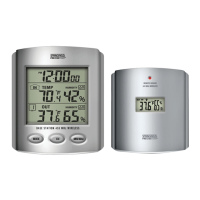
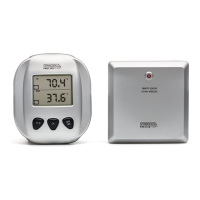
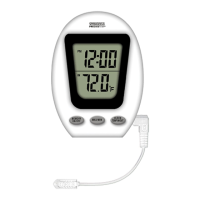
Temperature tolerance: +/- 2°F (+/- 1.1°C)
Table top or wall mount
Requires (2) AAA batteries
BATTERY INSTALLATION AND SETUP
Position the remote sensor near the base station.
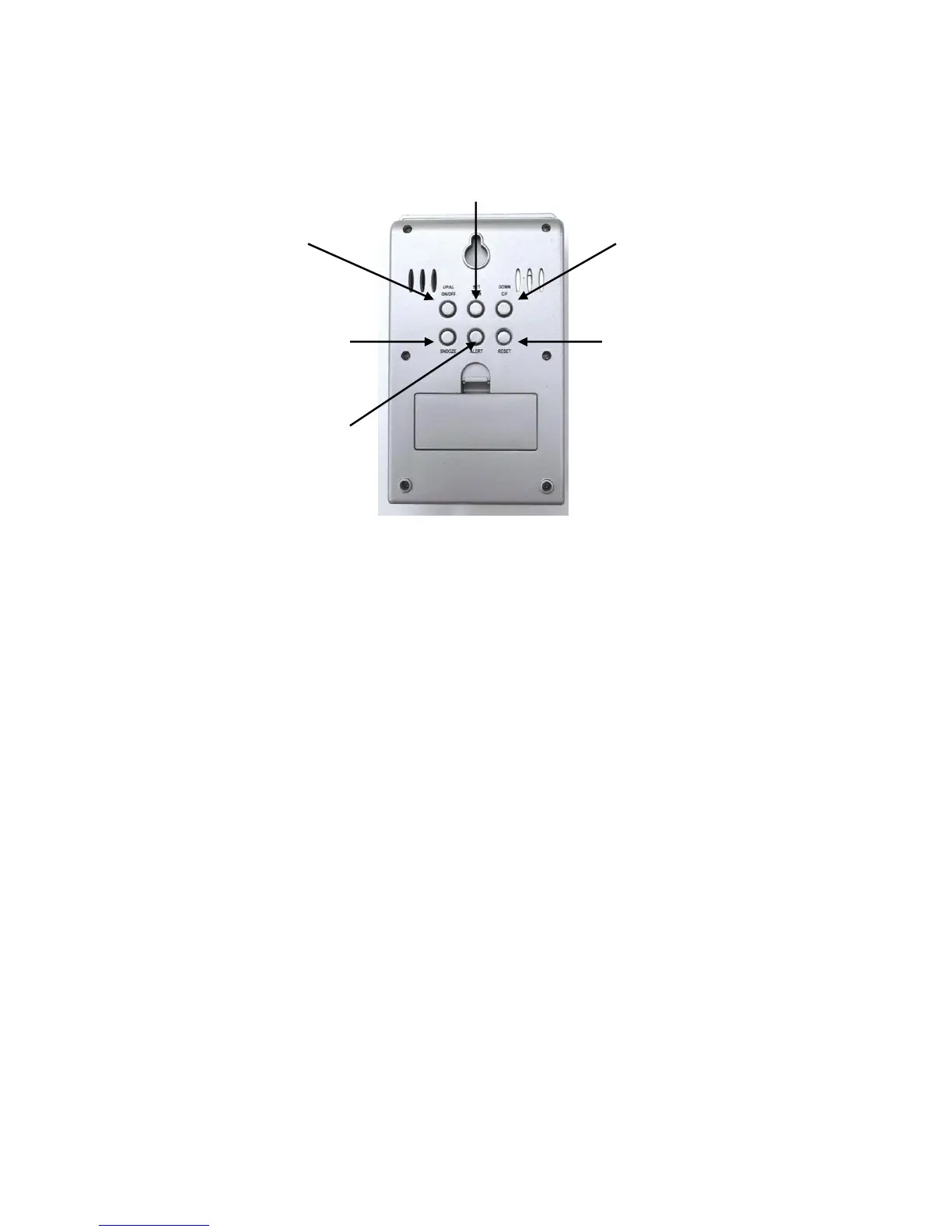
Open the battery compartment at the back of the base station and insert (2) AAA batteries according
to the polarity markings.
Replace the battery compartment cover.
Press the UP C/F button at the back of the unit to display the temperature in °F or °C.
The RF signal icon (located to the left of the outdoor temperature display) will flash for 5 minutes,
indicating that the base station is ready to pick up the RF signal from the remote sensor.
Register the Remote Sensor
Open the battery compartment at the back of the remote sensor and slide the channel selector switch
to your desired channel. For the first remote you may select any channel, for additional remotes
select any unused channel.
Insert (2) AAA batteries according to the polarity markings. Be sure to install the batteries in the
remote within the time that the RF signal icon is flashing on the base station.
Replace the battery compartment cover.
If you have registered more than one sensor, press the CHANNEL button to select the remote channel
you want displayed permanently on the base station. Or press CHANNEL until you observe a
circular arrow on the base station LCD display under the channel number. The unit will then auto-
scroll, changing from channel to channel every 5 seconds.
Register a Remote Sensor When the RF Signal Icon is not Showing
To register a remote sensor when the RF signal icon is not showing on the base station LCD:
Press and hold the CHANNEL button for 3-4 seconds until the RF signal icon is showing.
Install the batteries in the new remote sensor or if the batteries have already been installed, press
either the TX or RESET button, which are located inside the remote battery compartment.


 To Next Page