3. QUICK START GUIDE 3. QUICK START GUIDE
CHARGING YOUR INVOKE BLUETOOTH
HEADPHONES
1. Inser the USB-C end of the charging cable into
the charging input
2. Inser the USB-A end of the cable into a power
source* to charge. The LED indicator will be
solid red while charging is in progress. The LED
indicator will be solid blue when charging is
complete. A full charge will take approximately
2.5 hours
* Using a USB-C charging cable to connect to a 5V-2A (10W)
adapter is recommended. Adapters with larger watage can
also be used (maximum 24W). Car chargers, power banks or
docking stations may have fluctuating output. Charging using
these devices is not recommended.
TURNING INVOKE ON/OFF
Press and hold the power buton for 3 seconds to
power on/of.
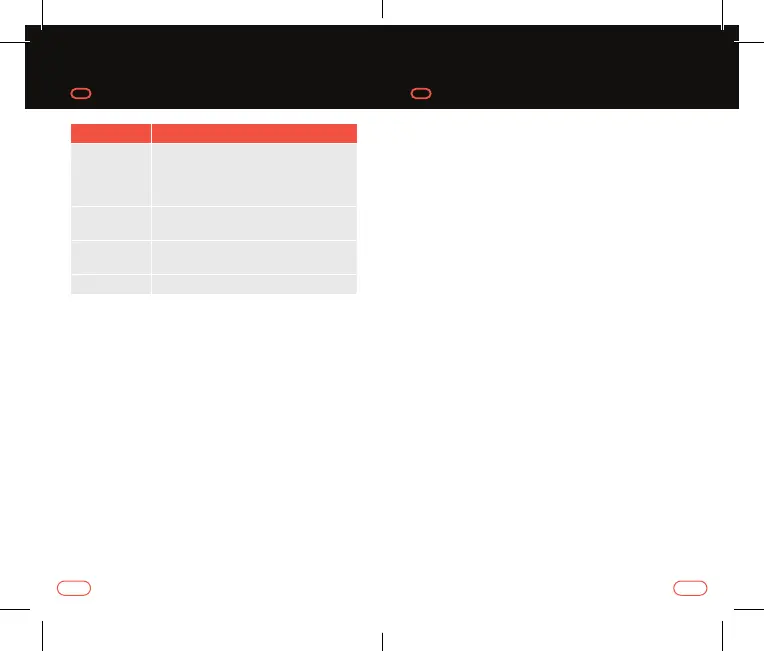
Function LED Indicator Status
Charging
LED indicates solid red when charging
in progress
LED indicates solid blue when
charging finished
Pairing
mode
LED flashes blue/red alernately
Pairing
successful
LED flashes blue every 5 seconds
Power of LED indicates solid red for 2 seconds
5
4



 To Next Page