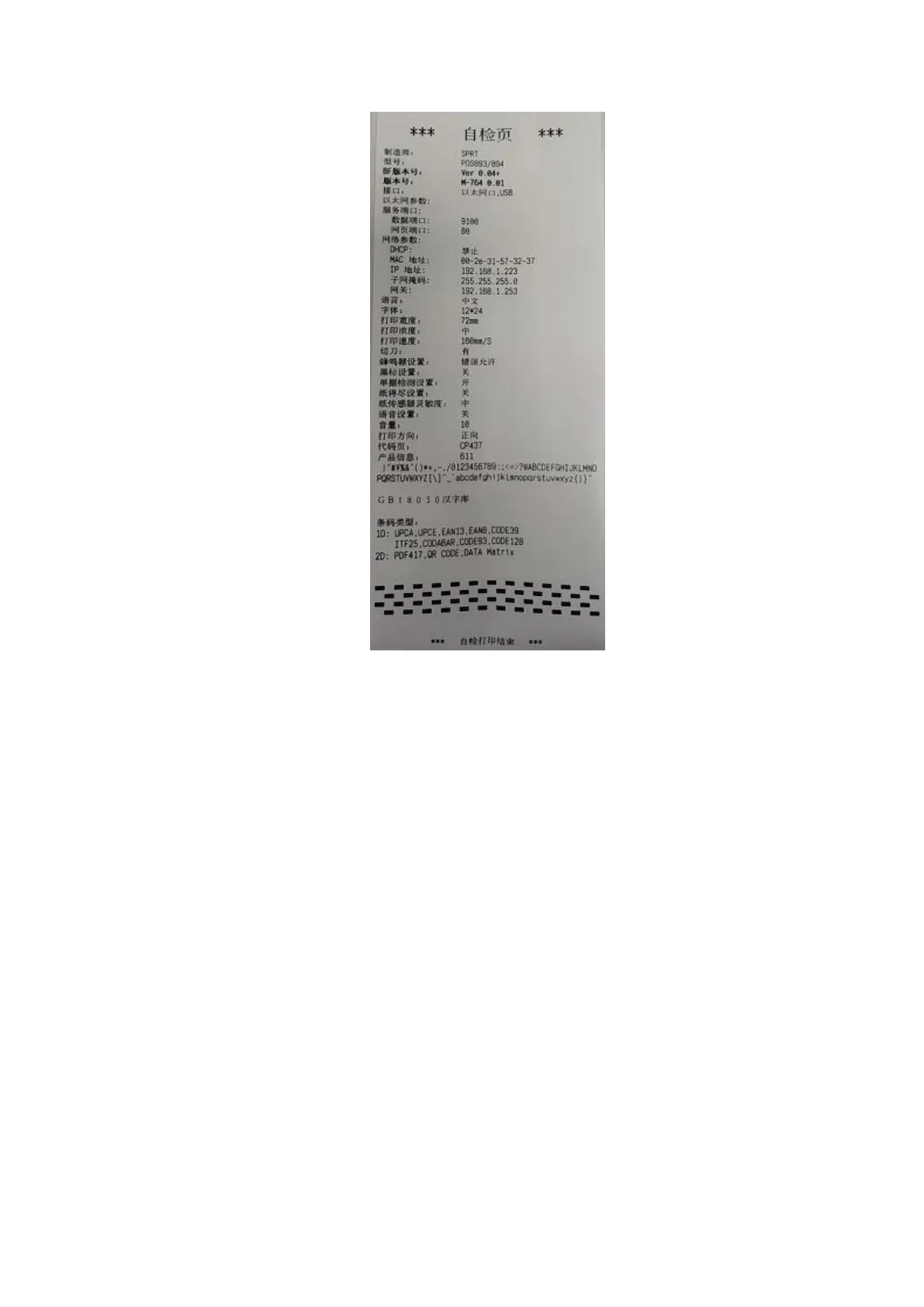
Fig.2-5
2.7 Hexadecimal Printing
Turn on the printer according to the step below, it will enter the mode of Hexadecimal
Printing
1.Open the cover;
2.Hold down【FEED】button,and connect with power; wait for the alarm and close the
paper cover.
3.The printer will print out 3 lines as below:
Hexadecimal Dump
To terminate hexadecimal dump,
Press FEED button three times.
This means the printer has entered hexadecimal printing mode, and under this mode,
all of the input will be printed out as hexadecimal number, feed one line with
single-click of “FEED” button, after 3 times, it will print out “*** Completed ***”, and
exit hexadecimal printing mode.



 To Next Page