Appendix A
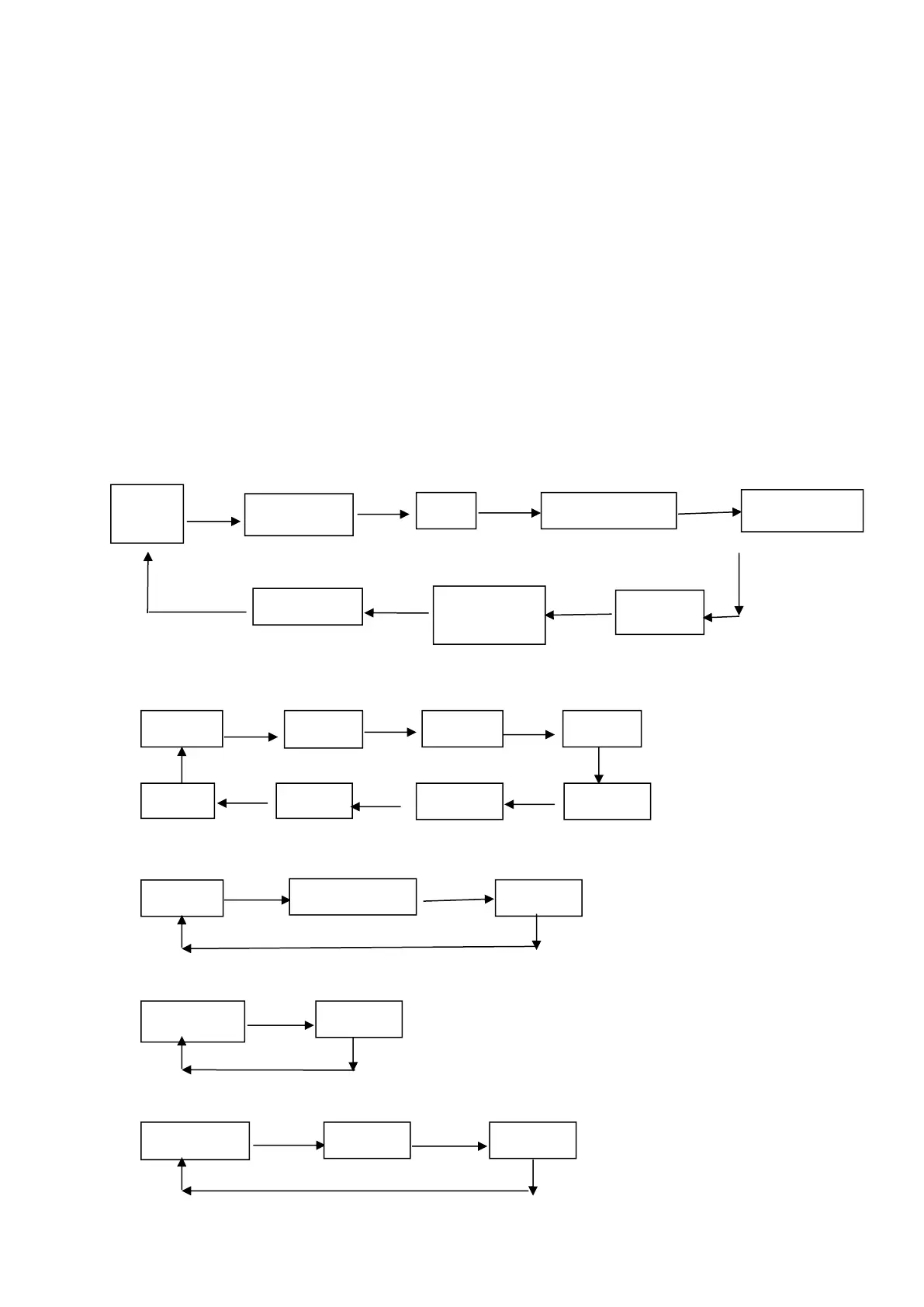
This appendix is the method to set the printer parameter according to button
operation.
Setting introduction: Press【Paper cover】button to choose setting,when press it
once , the set become the next one and it will print the present set value; use【FEED】
button to set the set value, when press it once , the set become the next one and it
will print the present set value.
General Setting:
Paper Paper Paper Paper
cover cover cover cover
Paper cover Paper Paper
cover Cover
Baud rate:
FEED FEED FEED
FEED FEED
FEED FEED FEED
Language:
FEED FEED
FEED
Font:
FEED
FEED
Print density:
FEED FEED
FEED



 To Next Page