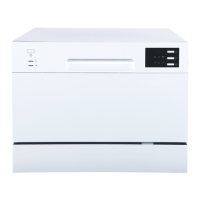
To get the best perfo rma nce from y our dish washer, read all o perating in structions b efor e us ing
it for the first time.
3
1
1
1
2
6
4
3
5
7
8
2
3
4
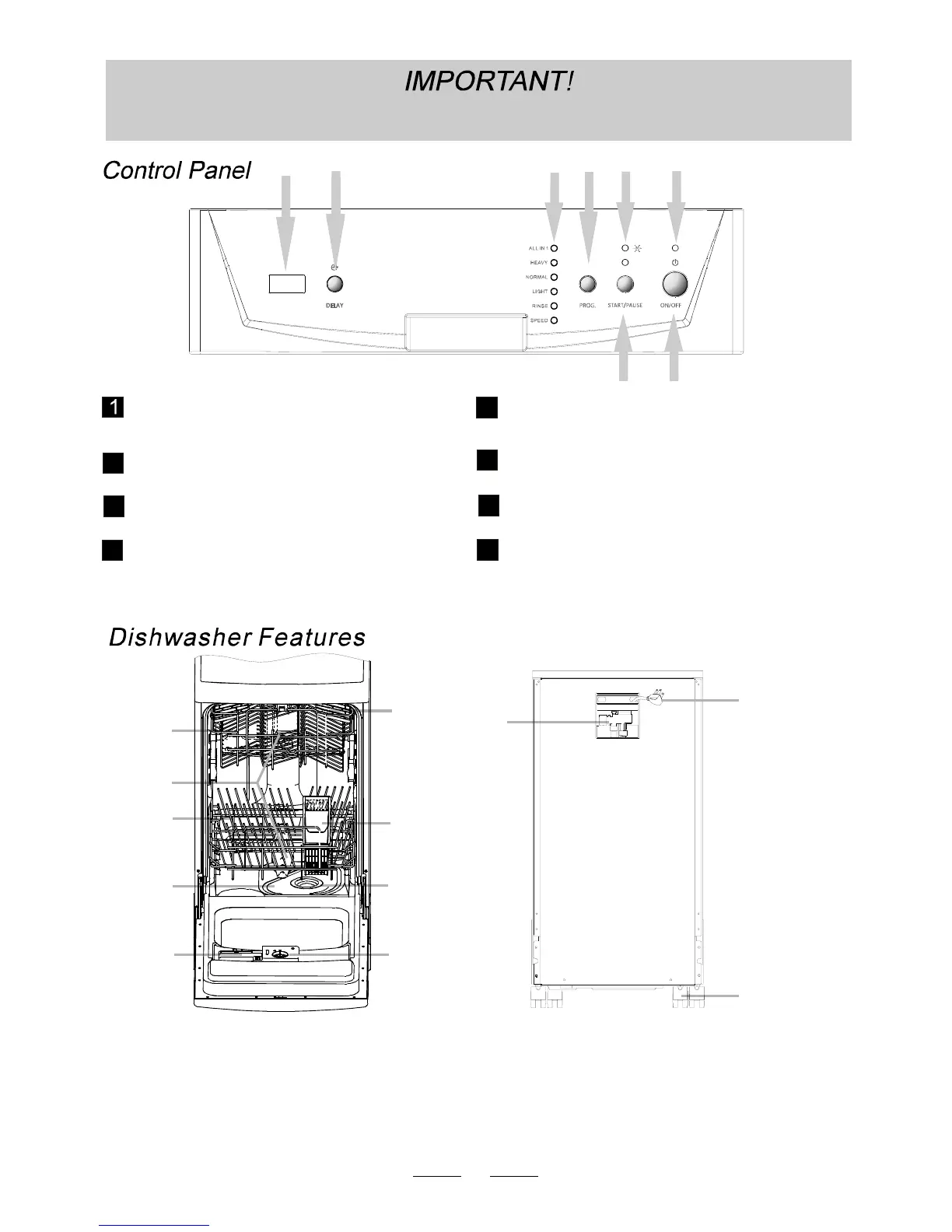
Powerindicatorlight.
Star t /Pa use button: To s tart t he selected
washing program or pausethewashing program
when themachineis working.
Rinse aid lowwarning light.
Pow er switc h:To turn on/ off the p ower su pply.
5
Wash Program Selector: Press to selectone
ofthe six programs.
7
8
6
Prog ram in dic ator ligh ts: Ind ic ates the
selected wash cycle.
Dela y Button : Press to p rogram delay start.
Display window: Program remaining time,
delay t ime, r unni ng i ndic ator, fau lt codes
and etc .
Uppe r Bas ket
Spray Arms
Lo w e r B asket
De te rgent Disp ens er
Si lverware Basket
Main Filter
Cu p Shel f
5
6
7
8
Rins e Ai d Dispen ser
Coars e Filter
9
10
12
11
3
2
14
Po rtab le F aucetAd apterAs sem bl y
Po we r Cor d
Caster
Front View
(Door Open)
Back View
1
2
3
4
5
6
7
8
9
10
11
12



 To Next Page