EasyManua.ls Logo

SPX RDH-HP Series - User Manual

SPX RDH-HP Series
20 pages
Print Icon
To Next Page IconTo Next Page
Loading...
RDH-HP Series
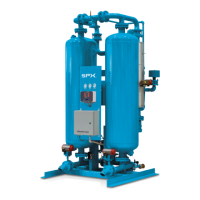
Pressure-Swing Desiccant Type Compressed Air Dryers
Models: RDH-HP-715G, RDH-HP-1550G, RDH-HP-5200G
FORM NO.: 3245430 REVISION: 04/2014 READ AND UNDERSTAND THIS MANUAL PRIOR TO OPERATING OR SERVICING THIS PRODUCT.
INSTRUCTION MANUAL
MODELS
RATED
FLOW
REFER
AS
MODELS
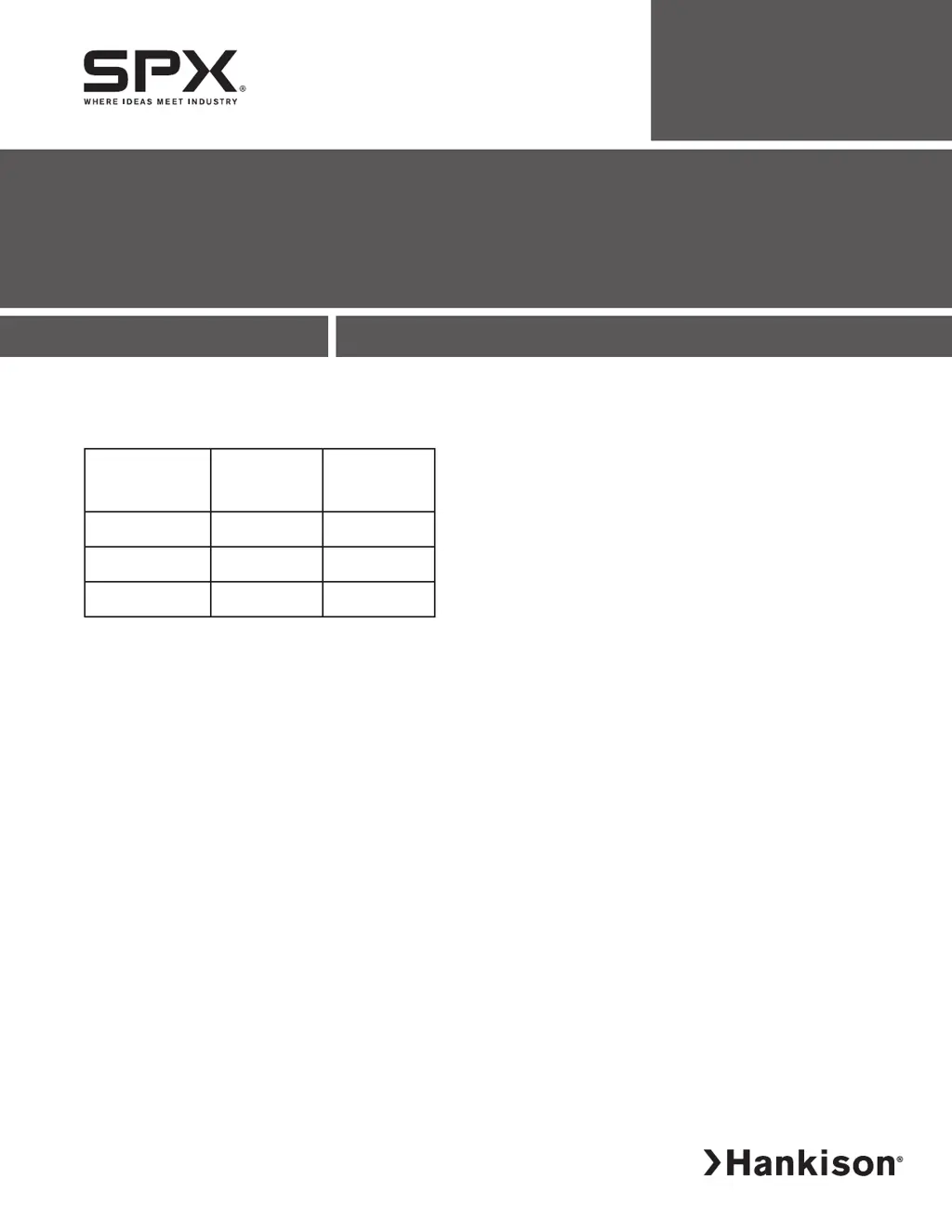
RDH-HP-715G 715 SCFM 715
RDH-HP-1550G 1550 SCFM 1550
RDH-HP-5200G 5200 SCFM 5200

Questions and Answers

  • P
    Philip SimmonsAug 12, 2025
    How to troubleshoot SPX RDH-HP when indicator lights are not illuminated?
    • L
      Lisa MooneyAug 12, 2025
      If the indicator lights on your SPX Dehumidifier are not illuminated, there could be several reasons: * There is no power to the unit. Check the voltage at the terminal board. * The On/Off switch is off. Turn the switch on. * The switch is malfunctioning. Replace the switch.
  • C
    cookjessicaAug 19, 2025
    Why does the tower in my SPX Dehumidifier fail to depressurize to less than 2 psig?
    • J
      James AlvarezAug 20, 2025
      If the tower in your SPX Dehumidifier fails to depressurize to less than 2 psig, the following could be the reasons: * The purge rate valve is open too far: Check Section 3.1.4 for the purge rate indicator setting. * The muffler is clogged: Replace the muffler. * The check valve is stuck open: Repair the valve. * The purge repressurization valve won’t open: Check the power to the valve to determine if the valve or timer is at fault. Also, check the pilot valve, pilot air line, and purge repressurization valve for obstruction.
  • E
    edwardjohnsonAug 23, 2025
    What to do if the moisture indicator on my SPX RDH-HP Dehumidifier turns yellow?
    • W
      wheelerchristineAug 23, 2025
      If the moisture indicator on your SPX Dehumidifier turns yellow (elevated outlet dew points), consider the following: * Maximum flow being exceeded: Refer to Table 3A to determine the maximum flow. * Design conditions being exceeded: Refer to Section 3.5 to determine if the dryer is being operated within its design limitations. * Desiccant not adsorbing: Change the desiccant. * Useful service life has ended: Take corrective action. * Desiccant is contaminated (e.g. with oil): Refer to Section 2.1 to determine proper prefiltration, then change the desiccant. * Premature exhaustion (saturated with water): Refer to 5.3 for corrective action. Also, desiccant beds may be reactivated by running at reduced flow until the desired outlet dew point is achieved.
  • C
    Christopher HutchinsonAug 27, 2025
    What causes the tower in my SPX RDH-HP to fail to pressurize to line pressure?
    • A
      Angela WebbAug 27, 2025
      If the tower in your SPX Dehumidifier fails to pressurize to line pressure, it could be due to: * Purge repressurization valve won’t close: Check the valve for obstruction. * Excessive downstream air demand: This valve is normally closed. Also, check the pilot solenoid valve and pilot air line for obstruction.
  • S
    Sarah HarrisAug 31, 2025
    Why is excessive purge air discharged during the purge cycle of my SPX Dehumidifier?
    • N
      Nicholas FergusonAug 31, 2025
      If excessive purge air is being discharged during the purge cycle of your SPX Dehumidifier, consider the following: * The inlet valve won’t close: Check the power to the valve to determine if the valve or timer is at fault. * The check valve is sticking: Check the valve for obstruction. Also, check the pilot valve and pilot air line for obstruction and repair the valve if needed.
  • D
    djohnsonSep 4, 2025
    What causes switching failure in my SPX RDH-HP?
    • S
      solomonanthonySep 4, 2025
      Switching failure in your SPX Dehumidifier can occur due to: * Unit did not depressurize in time (24 sec) or below 10#: Replace mufflers or defective parts. * Unit did not repressurize in time (24 sec) or not above 40#: Provide proper air pressure. Also, replace defective parts and set purge pressure per section 3.1.4.
  • M
    maynardwilliamSep 8, 2025
    How to prevent excessive desiccant dust downstream in SPX RDH-HP Dehumidifier?
    • J
      john98Sep 8, 2025
      To prevent excessive desiccant dust downstream in your SPX Dehumidifier: * Refer to Section 3.2.3 to verify the proper time sequence if you have a faulty timer. * Refer to Section 3.1.4 to determine the Correct Purge Pressure setting if the purge rate valve is closed.
  • M
    Michael JamesNov 15, 2025
    What to do if the desiccant in my SPX RDH-HP Dehumidifier is being exhausted prematurely?
    • H
      Heather AlvarezNov 15, 2025
      If the desiccant in your SPX Dehumidifier is being exhausted prematurely, consider the following potential causes and solutions: * Insufficient purge rate: Refer to Section 3.1.4 to determine the correct Purge Pressure Indicator Setting. * Improper purge rate: Replace the muffler inserts. * Tower not completely depressurized during the purge cycle: Check the power to the valve to determine if the valve or timer is at fault. The tower pressure gauge should read lower than 2 psig. * Clogged exhaust muffler: Check the pilot air line for obstruction. * Purge valve won’t open: Repair the valve. * Check valve stuck open: Refer to Section 3.1.1 to determine the correct Economizer Switch and Cycle Settings. * Insufficient purge time: Refer to Section 3.2.3 to verify the proper time ...

Summary

General Safety Information

Important Pre-Startup Procedures

Unpacking and Inspection

Guidance on inspecting the shipment for damage upon arrival.

Moving and Handling Caution

Safety advice regarding proper lifting and handling of the equipment.

Mini Instructions Overview

Installation Steps

Covers basic installation steps for the dryer.

Start-Up Guide

Provides essential steps for initiating dryer operation.

Operational Checkpoints

Key checks to perform during normal dryer operation.

Depressurization Procedure

Procedure for safely shutting down and depressurizing the dryer.

Product Description

Dryer Functionality

Explains the operational purpose and mechanism of the dryer.

Dryer Type Details

Describes the specific characteristics of the dual tower regenerative desiccant dryer.

Description of Dryer Operation

Dryer Process Flow

Explains the flow and regeneration process of the dual tower dryer.

Installation Guide

Location in Compressed Air System

Guidelines for placing the dryer within the compressed air system.

Minimum & Maximum Operating Conditions

Specifies minimum and maximum operating pressures and temperatures.

Mounting Requirements

Instructions for securely mounting the dryer unit.

Piping and Connections

Details on connecting inlet, outlet, and isolation valves.

Electrical Connections

Power Connection Details

Details on how to connect the power supply to the dryer unit.

Alarm Connection Information

Information on connecting remote alarm contacts for status monitoring.

Purge Exhaust Provisions

Purge Muffler Installation

Guidance on installing factory-supplied mufflers for exhaust.

Initial Desiccant Charge

Dryer Operation

Start-Up Procedure

Steps for initiating dryer operation after installation.

Controller Settings Configuration

Details on setting up the control board, including voltage and dip switches.

Operational Check Points

Power and Indicator Checks

Checking unit power, moisture indicator, and purge flow.

Alarms and Switching Failure

Monitoring unit alarms and the switching failure condition.

Tower Status and Pressure Gauges

Verifying tower status lights and pressure gauge readings.

Troubleshooting Guide

Indicator Light Issues

Addresses symptoms where indicator lights are not illuminated.

Moisture Indicator Problems

Troubleshooting elevated outlet dew points indicated by a yellow light.

Desiccant Exhaustion Issues

Diagnosing premature desiccant exhaustion and related causes.

Tower Pressure and Purge Flow Faults

Resolving issues with tower pressurization and excessive purge air.

Switching Failure Diagnosis

Addressing unit failure to depressurize or repressurize within time limits.

Replacement Parts List

Electrical and Control Components

List of replacement parts for switches, indicators, and gauges.

Filtration Elements

Part numbers for prefilters, afterfilters, and oil removal elements.

Desiccant Replacement

Available desiccant quantities and part numbers for replacement.

SPX RDH-HP Series Specifications

General IconGeneral
BrandSPX
ModelRDH-HP Series
CategoryDehumidifier
LanguageEnglish

Related product manuals