EasyManua.ls Logo

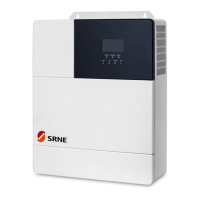
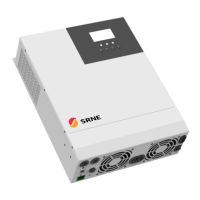
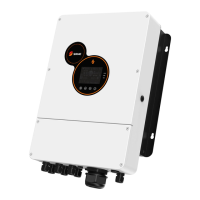
Srne HES4855S100-H - User Manual

Srne HES4855S100-H
35 pages
Print Icon
To Next Page IconTo Next Page
Loading...
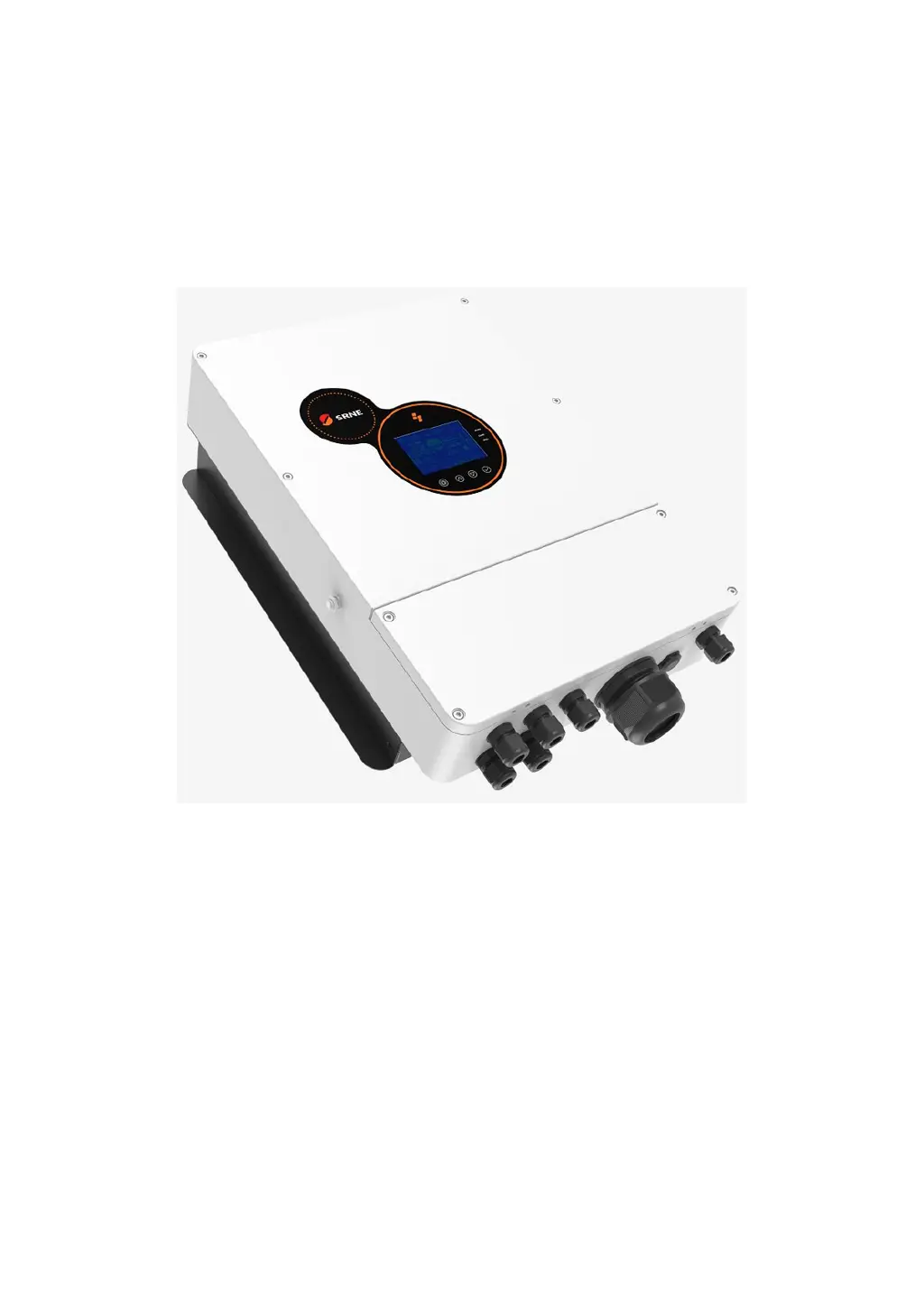
Solar Hybrid Inverter V1.0 1
Solar Hybrid Inverter
User Manual
Product Models
HES4855S100-H

Questions and Answers

  • L
    lisaskinnerAug 15, 2025
    What to do if my Srne HES4855S100-H shows bypass overload protection?
    • B
      Brittany ClarkAug 15, 2025
      If your Srne Inverter shows a bypass or inverter overload protection error, reduce the amount of power being used by your equipment. Then, restart the unit to resume load output.
  • S
    Savannah RamirezAug 18, 2025
    What to do if my Srne HES4855S100-H Inverter has short circuit protection?
    • J
      Jason TaylorAug 18, 2025
      If your Srne Inverter displays a short circuit protection error, carefully inspect the load connection and fix any short-circuit faults. After doing so, power the unit back on to resume load output.
  • J
    Justin AndersonAug 21, 2025
    How to fix no display on Srne HES4855S100-H screen?
    • K
      Kristine ShortAug 21, 2025
      If the screen on your Srne Inverter is blank, first, check that the battery and PV circuit breakers are closed and the switch is in the "ON" position. If these are fine, press any button on the screen to wake it from sleep mode.
  • E
    Emily AndersonAug 25, 2025
    What to do if Srne HES4855S100-H Inverter shows battery overvoltage protection?
    • E
      Eric CabreraAug 25, 2025
      If you are experiencing battery overvoltage protection with your Srne Inverter, measure the battery voltage to see if it exceeds the rated voltage. If it does, turn off the PV array and Mains circuit breakers.
  • C
    Cheryl MillerAug 28, 2025
    How to check PV over-voltage on Srne HES4855S100-H?
    • B
      Brian DrakeAug 28, 2025
      If your Srne Inverter is showing a PV over-voltage error, use a multimeter to check whether the PV input voltage goes over the maximum allowable input voltage.
  • J
    Joseph PowellAug 31, 2025
    What to do if Srne HES4855S100-H fan fails?
    • D
      Deborah DanielAug 31, 2025
      If the fan on your Srne Inverter fails, check to see if the fan is not turning or if it's being blocked by something.
  • J
    Jason PrinceSep 3, 2025
    What to do if Srne HES4855S100-H has battery under-voltage protection?
    • D
      Donna HatfieldSep 4, 2025
      If your Srne Inverter is showing a battery under-voltage protection error, charge the battery until its voltage returns to the low voltage disconnection recovery level.
  • S
    ssmithSep 7, 2025
    Why is my Srne HES4855S100-H Inverter showing a battery missed alarm?
    • M
      Michael HansonSep 7, 2025
      If your Srne Inverter is displaying a battery missed alarm, check if the battery is properly connected and that the battery circuit breaker is closed.
  • J
    Jeffrey PerrySep 12, 2025
    What to do if Srne HES4855S100-H inverted AC output backfills to bypass AC input?
    • J
      Javier CookSep 12, 2025
      To troubleshoot inverted AC output backfilling to bypass AC input on your Srne Inverter, disconnect the AC, PV, and battery inputs. Once the screen is off, reconnect only the battery and start the system. If fault 26 appears, the AC input relay switch is likely short-circuited, and you should contact the manufacturer for a replacement.

Summary

Important Safety Instructions

General Information

Product Overview and Features

Describes the HES series solar hybrid inverter's features, control algorithms, and design.

Introduction to the Basic System

Explains the components and application scenario of the solar hybrid inverter system.

Product Features

Details the physical features and interfaces of the HES series solar hybrid inverter.

Dimensional Diagram

Provides the physical dimensions and mounting hole locations of the inverter.

Installation Instructions

Precautions for Installation

Outlines essential safety precautions and considerations before installing the inverter.

Wiring Specification and Circuit Breaker Selection

Details wiring specifications and circuit breaker selection for safe and effective installation.

Installation and Wiring

Provides step-by-step instructions for mounting and wiring the solar hybrid inverter.

Working Mode

Charging Mode

Explains the different charging modes: Solar First, Mains First, Hybrid, and Only Solar.

Output Mode

Describes the various output modes: Solar First, Mains First, Inverter First, and Hybrid.

LCD Screen Operating Instructions

Operation and Display Panel

Details the components of the inverter's operation and display panel, including LCD and indicators.

Introduction to Operation Keys

Explains the function of each button on the inverter's operation panel.

Introduction to Indicator Light

Describes the meaning and status of the indicator lights on the inverter.

Introduction to LCD Screen

Provides a detailed explanation of the icons and data displayed on the LCD screen.

Description of Setting Parameters

Details the available setting parameters, their options, and descriptions for configuration.

Battery Type Parameter List

Lists parameter settings for different battery types, including lead-acid and lithium.

Other Functions

Dry Contact Function

Explains the working principle of the dry contact for controlling external devices like generators.

RS485 Communication Function

Details the RS485 communication ports for BMS and Wi-Fi/GPRS module connectivity.

USB Communication Function

Describes the USB communication port for host computer connectivity and software.

CAN Communication Interface

Explains the CAN communication interface for lithium battery BMS connectivity.

Protection

Protection Functions Available

Lists and describes the various protection functions implemented in the inverter.

Meaning of Fault Code

Provides a table explaining fault codes, their impact on output, and general descriptions.

Partial Troubleshooting Measures

Offers solutions for common faults and issues encountered with the inverter.

System Maintenance

Technical Parameters

Srne HES4855S100-H Specifications

General IconGeneral
ModelHES4855S100-H
Rated Output Power5500W
Max. DC Voltage500V
MPPT Voltage Range120-450V
Max Solar Input Voltage500V
MPPT Range120-450V
Input Voltage (DC)48V
Output Voltage (AC)230VAC
AC Voltage230VAC
AC Frequency50Hz/60Hz
Output Frequency50Hz/60Hz
Battery Voltage48V
Battery TypeLead-acid, Lithium
Efficiency93%
Protection FeaturesOverload Protection, Short Circuit Protection, Over Temperature Protection
CommunicationRS485, Wi-Fi/GPRS (optional)

Related product manuals